API – Batch import of users
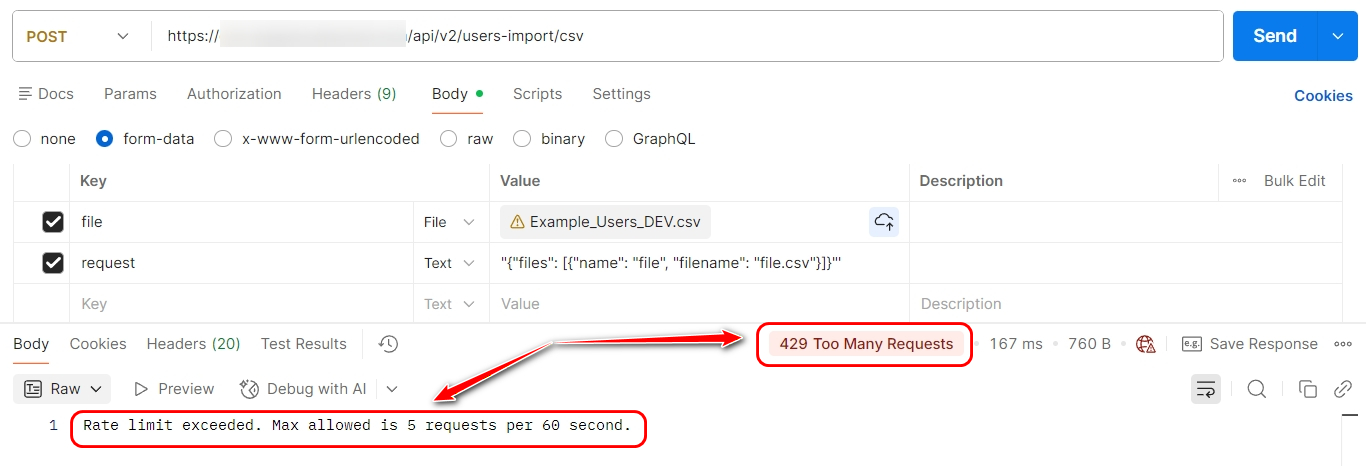
- To batch import users in CSV format, you need to send POST request to URI /api/v2/users-import/csv
- The request must be accompanied by a file in the format described in Synchronization users using CSV.
- The request must contain the headings X-Cbr-Authorization: Bearer xxxxxxx.
Request example:
curl 'https://your-domain.davintoo.com/api/v2/users-import/csv' -H 'X-Cbr-Authorization: Bearer xxxxxx' -H 'Content-Type: multipart/form-data' -F 'file=@/path/to/users.csv'

Import users in JSON format
Instead of a CSV file, you can add user information in JSON format to the request body.
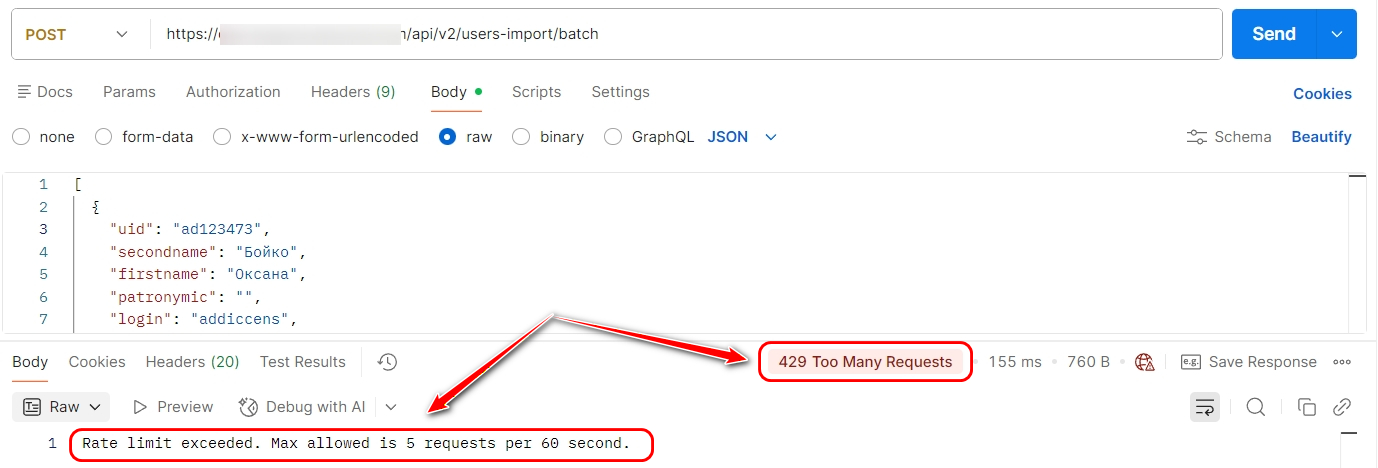
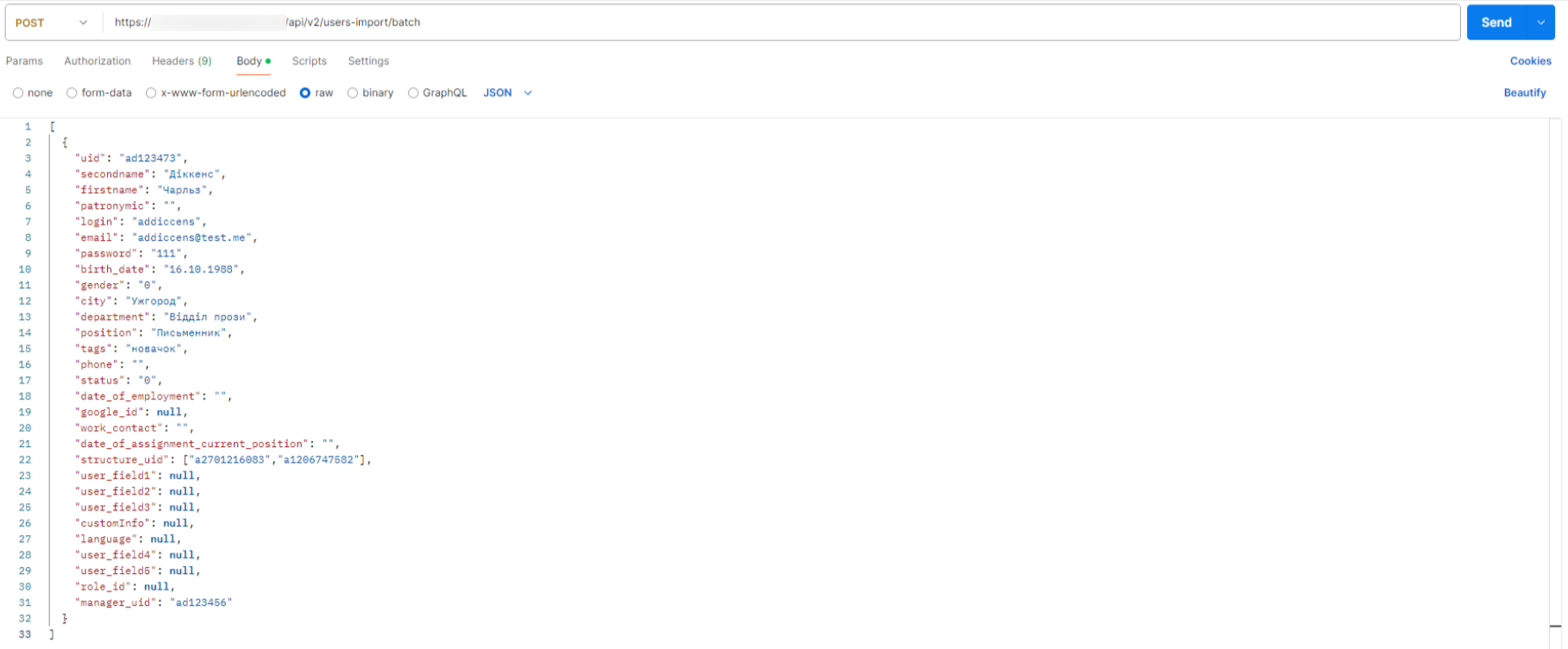
- You need to send a POST request to the URI /api/v2/users-import/batch.
- The request must contain the headers Content-Type: application/json and X-Cbr-Authorization: Bearer API_TOKEN.
- Body settings: raw, JSON.
The list of fields is similar to that for АРІ /api/v2/users-import/single: API – User import.
Example:
[
  {
    "uid": "ad123473",
    "secondname": "Williams",
    "firstname": "Emma",
    "patronymic": "",
    "login": "williamsemma",
    "email": "[email protected]",
    "password": "111",
    "birth_date": "16.10.1988",
    "gender": "0",
    "city": "Chicago",
    "department": "Technical department",
    "position": "Specialist",
    "tags": "newcomer",
    "phone": "",
    "status": "0",
    "date_of_employment": "",
    "google_id": null,
    "work_contact": "",
    "date_of_assignment_current_position": "",
    "structure_uid": ["a2701216083","a1206747582"],
    "user_field1": null,
    "user_field2": null,
    "user_field3": null,
    "customInfo": null,
    "language": null,
    "user_field4": null,
    "user_field5": null,
    "role_id": null,
    "manager_uid": "ad123456"
  },
  {
    "uid": "ad123474",
    "secondname": "Miller",
    "firstname": "Brandon",
    "patronymic": "",
    "login": "millerbrandon",
    "email": "[email protected]",
    "password": "111",
    "birth_date": "31.03.1991",
    "gender": "1",
    "city": "Orlando",
    "department": "Sales Department",
    "position": "Sales manager",
    "tags": "newcomer",
    "phone": "",
    "status": "0",
    "date_of_employment": "",
    "google_id": null,
    "work_contact": "",
    "date_of_assignment_current_position": "",
    "structure_uid": "a2701216083",
    "user_field1": null,
    "user_field2": null,
    "user_field3": null,
    "customInfo": null,
    "language": null,
    "user_field4": null,
    "user_field5": null,
    "role_id": null,
    "manager_uid": ["ad123456","ad123457"]
  },
  {
    "uid": "ad123456",
    "secondname": "Davis",
    "firstname": "Ann",
    "patronymic": "",
    "login": "davisann",
    "email": "[email protected]",
    "password": "111",
    "birth_date": "30.05.2002",
    "gender": "0",
    "city": "New York",
    "department": "Training Department",
    "position": "Head of Department",
    "tags": "personnel reserve",
    "phone": "",
    "status": "0",
    "date_of_employment": "",
    "google_id": null,
    "work_contact": "",
    "date_of_assignment_current_position": "",
    "structure_uid": "a1206747582",
    "user_field1": null,
    "user_field2": null,
    "user_field3": null,
    "customInfo": null,
    "language": null,
    "user_field4": null,
    "user_field5": null,
    "role_id": null,
    "manager_uid": "ad123475"
  }
]
Example request:
curl 'https://your-domain.davintoo.com/api/v2/users-import/batch' -H 'X-Cbr-Authorization: Bearer API_TOKEN' -H 'Content-Type: application/json'
Answer
-
In case of successful request (HTTP response code - 200), will reply in JSON format with information about the number of processed records:
{"created_count":1,"updated_count":0,"blocked_count":0,"unblocked_count":0}
created_count - will be 1 if a new user was created in the system
updated_count - will be 1 if the existing user has been updated in the system
blocked_count - will be 1 if the previously active user was blocked during the update process
unblocked_count - will be 1 if the previously blocked user was enabled during the update process -
In case of error (HTTP response code - 400, 500) it returns JSON object with error information.