Notification bar
In the portal header, next to the user menu, the icon of transition to Notification bar is displayed.

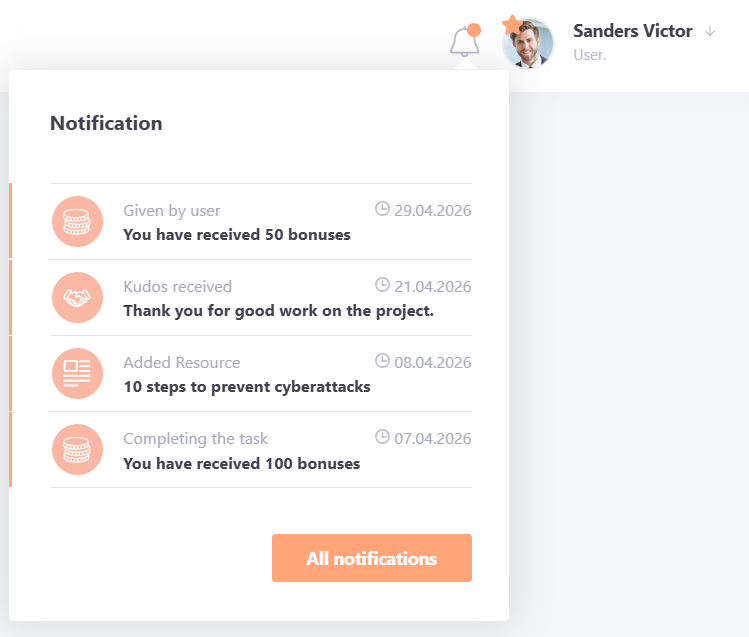
Notification bar is a dialog box with a list of new messages from the system.
The following notifications appear in the notification bar:
- resource updates in the knowledge base;
- reminders and birthday greetings;
- information about bonus accrual;
- replies to comments;
- received thanks;
- event notifications.
If new notifications have appeared since the last view, a colored marker appears near the "bell" icon.
The drop-down list displays 5 new notifications, you can go to view all notifications by clicking on the All notifications button:
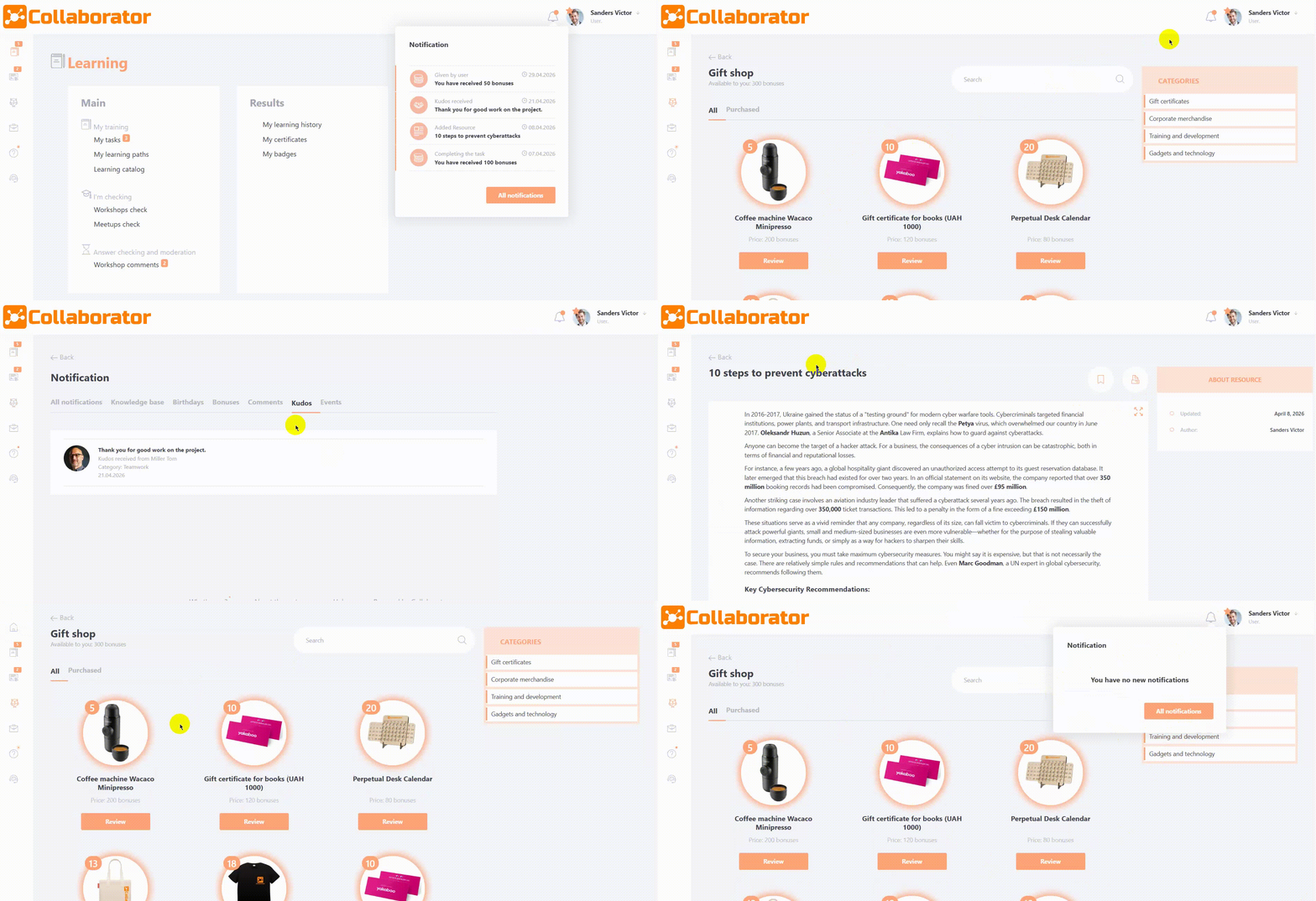
Clicking on a new notification switches to it, and the message disappears from the new notifications dialog box:
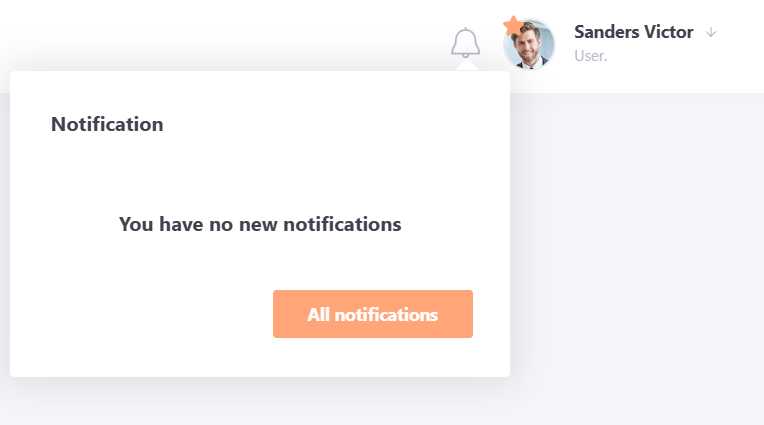
If the user has viewed all new notifications, the marker about them is not displayed and the dialog box will be empty:
By default, the Notifications page opens to the All Notifications tab, which displays all notifications received by the user over the last 3 months (older notifications are deleted).
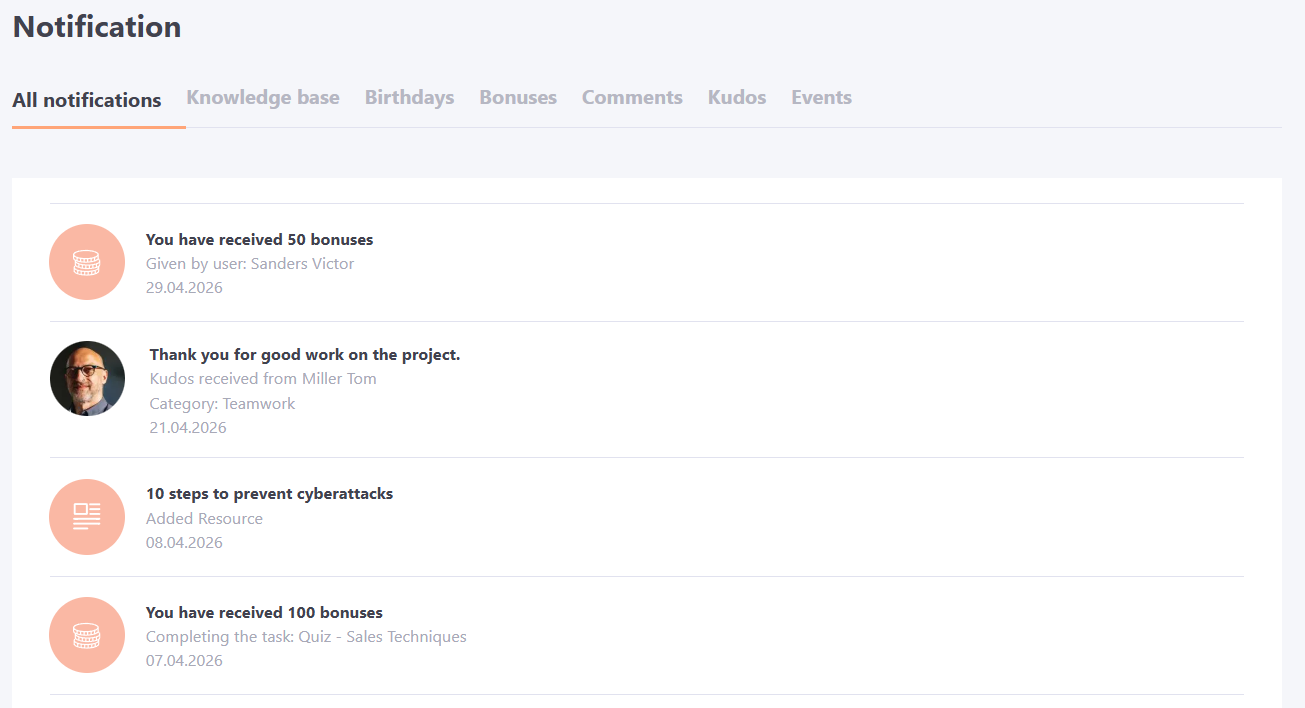
All notifications are grouped by categories:
- Knowledge base
- Birthdays
- Bonuses
- Comments
- Thanks
- Events
Each category is displayed in its own tab.
All tabs are clickable and contain the following information:
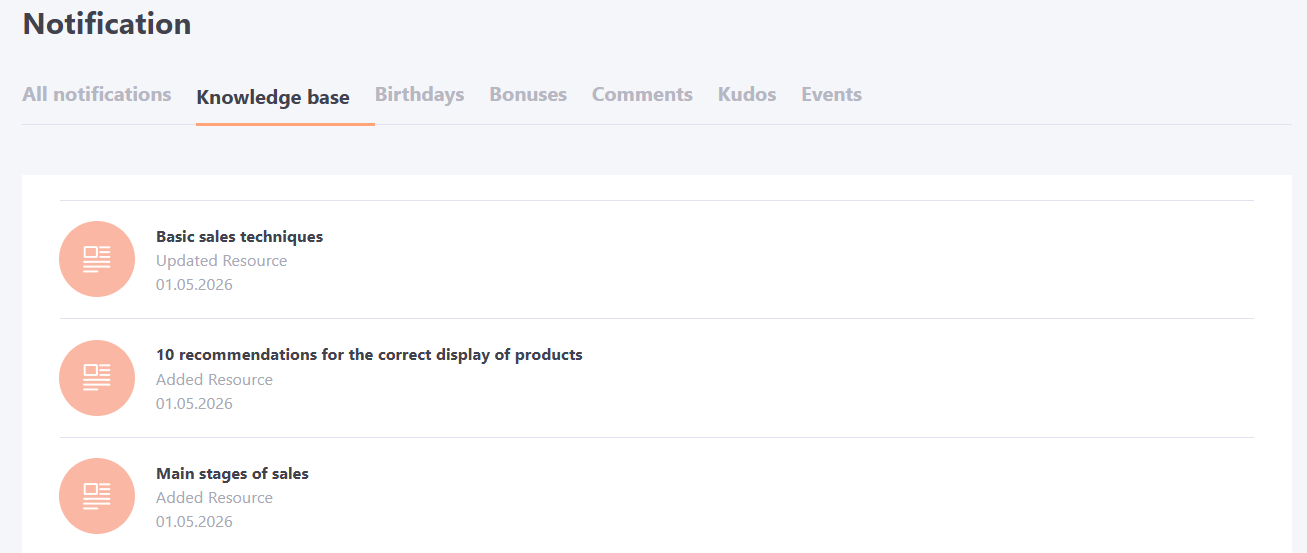
Knowledge Base tab - contains notifications about updates to Knowledge base resources or the addition of new materials (more details: Notifications about updating and adding resources).
By clicking on the notification, the user is taken to the corresponding resource in the Knowledge Base.
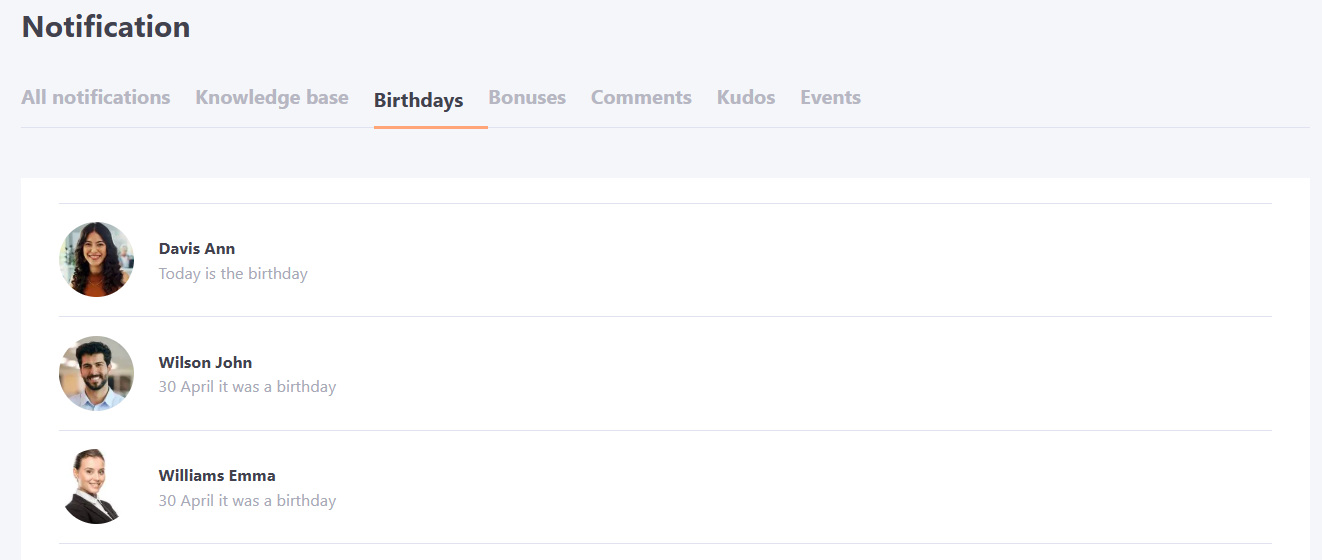
Birthdays tab - displays notifications about birthdays of colleagues within the unit according to the organizational structure (more details: Birthdays).
When you click on the notification, you will be taken to the "Birthdays" page, with a filter by the given date.
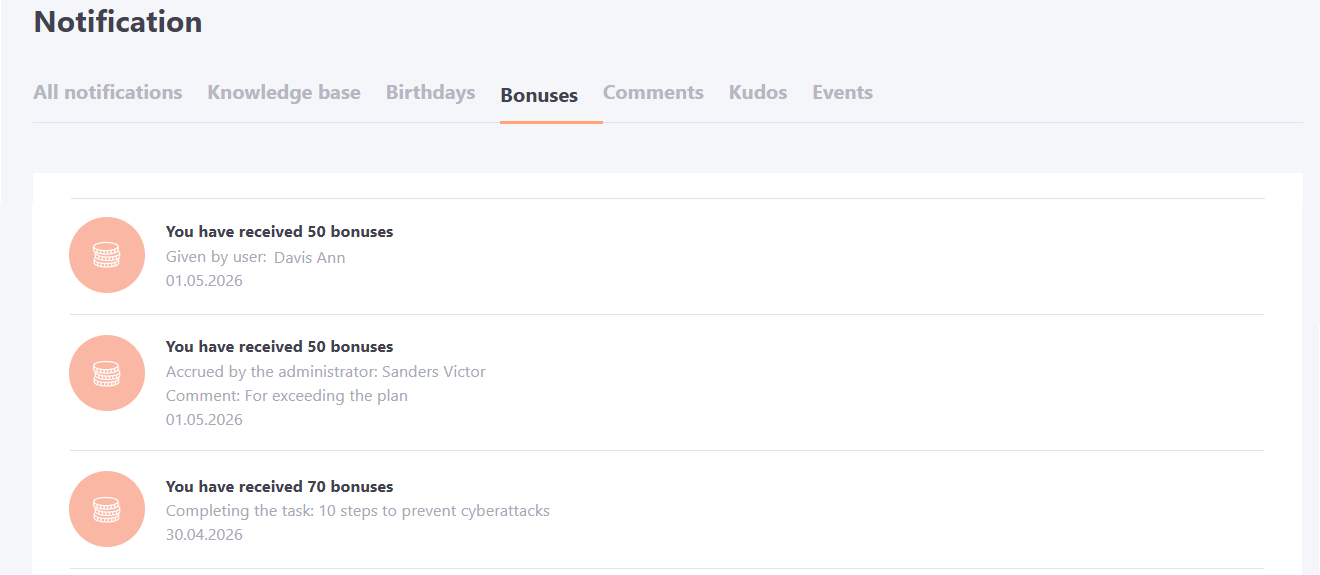
Bonuses tab - contains information about bonuses accrued to the user: for completing tasks, given by another user or added by the administrator. After clicking on the message, the user goes to the "Gift shop" page. More details: Gift shop
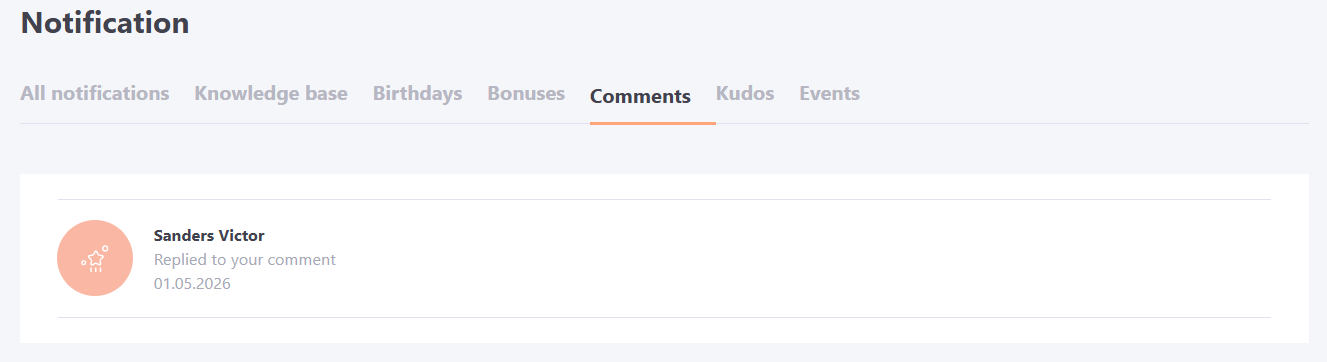
Comments tab - contains notifications about administrator responses to comments left by a user (more details: Comments).
After clicking on the message, a page with the corresponding comment and response to it opens.
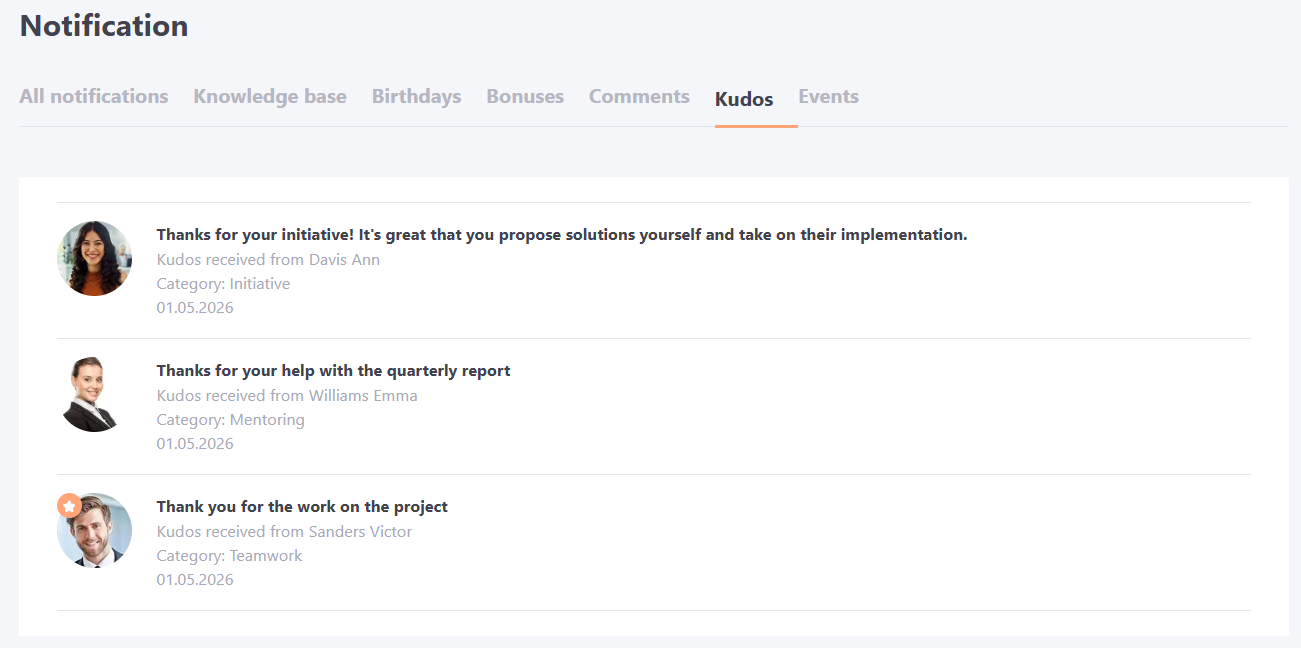
Kudos tab - contains information about the thanks the user has received from other users (More details: Kudos).
Clicking on the message takes you to the "Contacts" page with a filter by the user who sent the thanks.
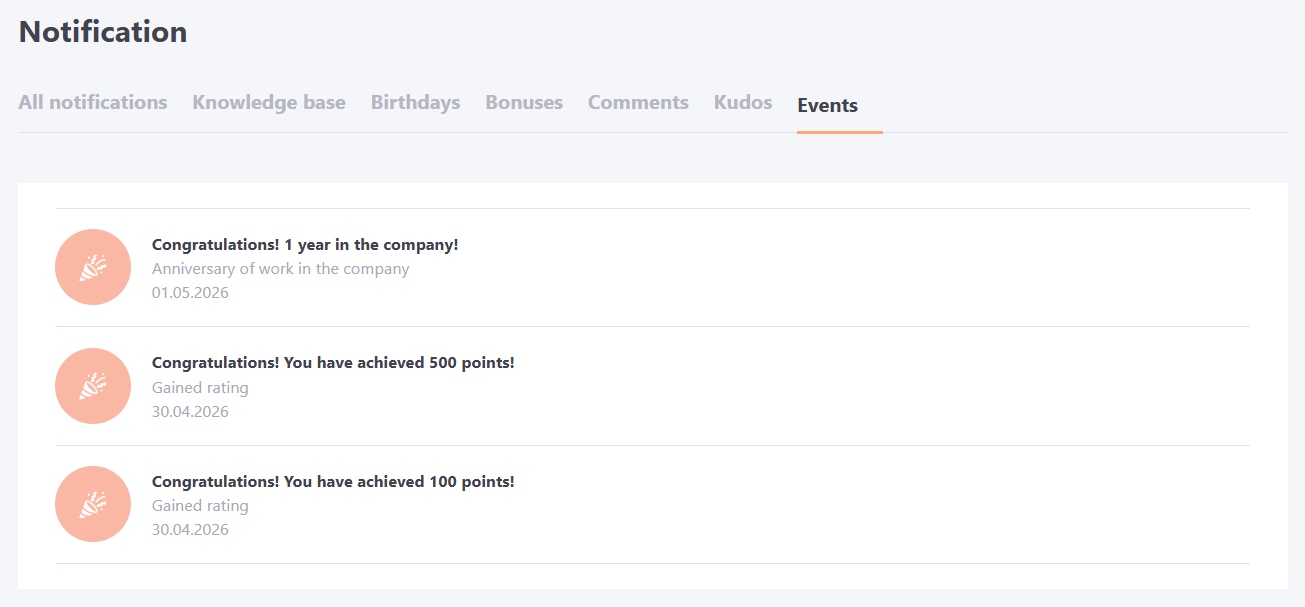
Events tab - displays notifications about events (more details: Events) created on the portal. These can be, for example, anniversaries of work in the company or awards for achieving a certain number of points. After clicking on the notification, a modal window opens with the event details.