OAuth 2 Authorization
In LMS Collaborator it is possible to configure user authorization through OAuth 2 client server, similar to authorization via Facebook/Google.
OAuth 2 is an authorization framework that allows applications to perform restricted access to user accounts on HTTP services.
It works on the principle of delegating user authentication to the service where the user account is located, allowing a third-party application (in our case, LMS Collaborator) to access the user account.
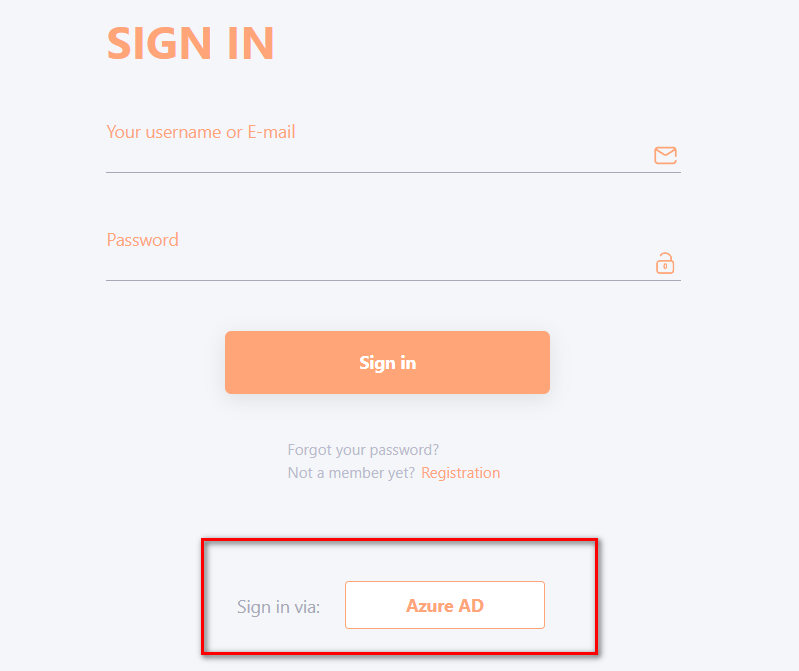
After setting up integration with the client OAuth server, users will be able to log in to the portal with a single button, without having to enter their login and password. By clicking on the Login via OAuth button (the name for the button can be set in the settings), the user is authenticated via the internal client service. It transmits data that such a user is in the system and his data to LMS Collaborator, and then the user logs in to the portal.
Detailed description of the integration setup process is provided in the article about oAuth integration.