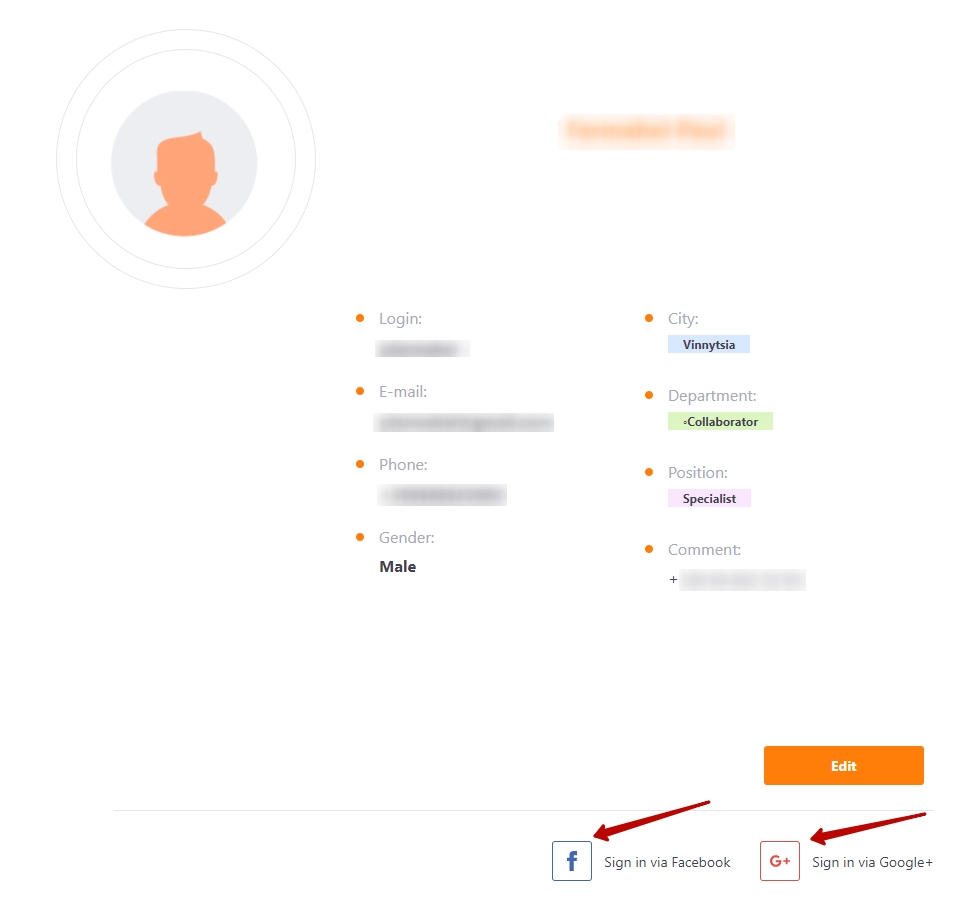
Login via social Google or Facebook
Self-registration of users and signing in via Google and Facebook accounts is available for open portals in Collaborator system
Signing in via Google
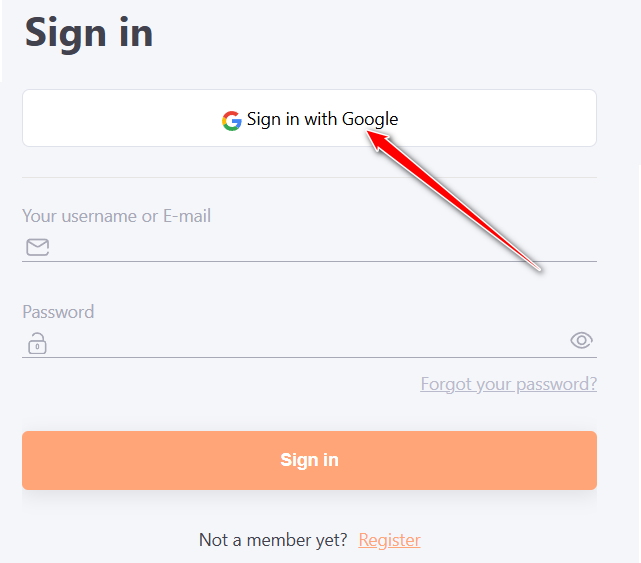
If Google Integration is configured on the portal, the Sign in with Google button appears on the registration form.
To register in the system via Google, click the Sign in with Google button:
Choose a Google account:
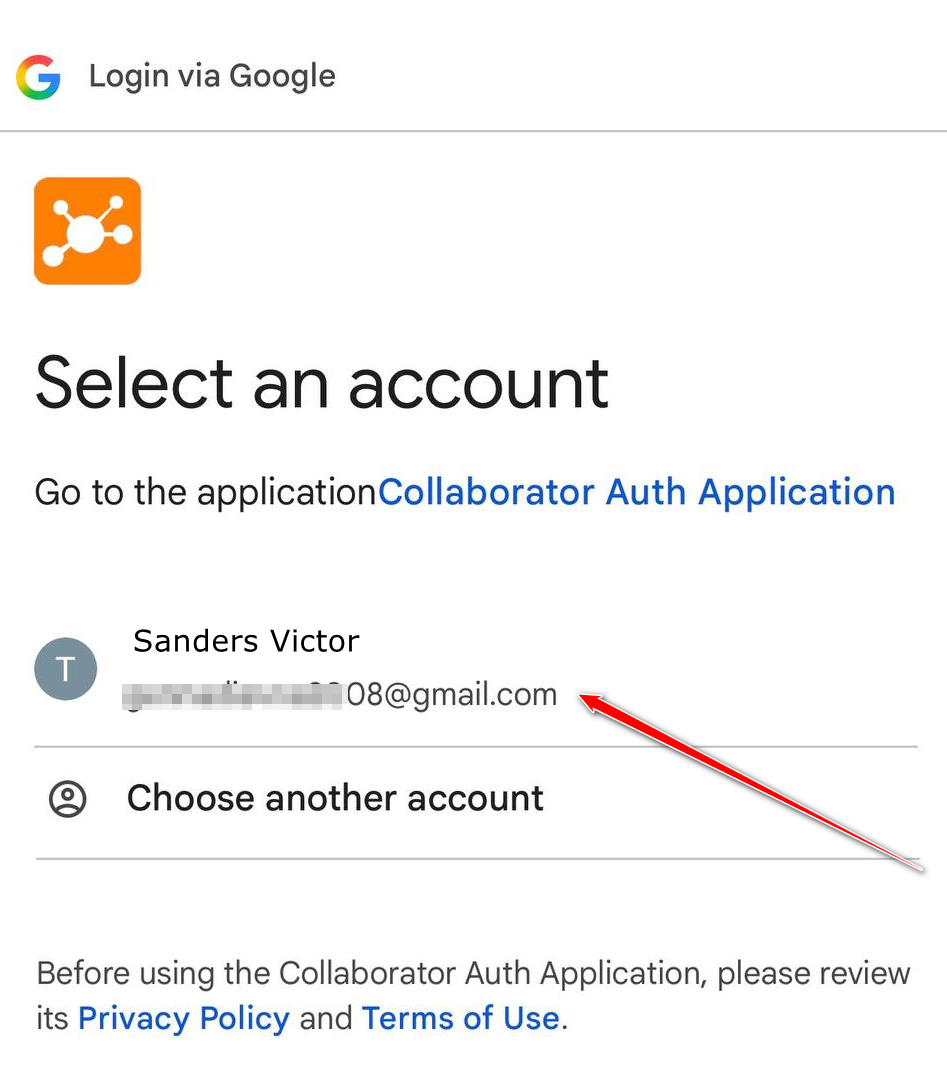
Enter your account password if the system prompts you to do so.
Upon successful authorization, the user will be registered in the system.
In the future, you can log in using the "Sign in with Google" button and authenticate via your Google account.
Signing in via Facebook
If Integration with Facebook is configured on the portal, the Sign in with Facebook button appears on the registration form.
To register in the system via Google, click the Sign in with Facebook button:
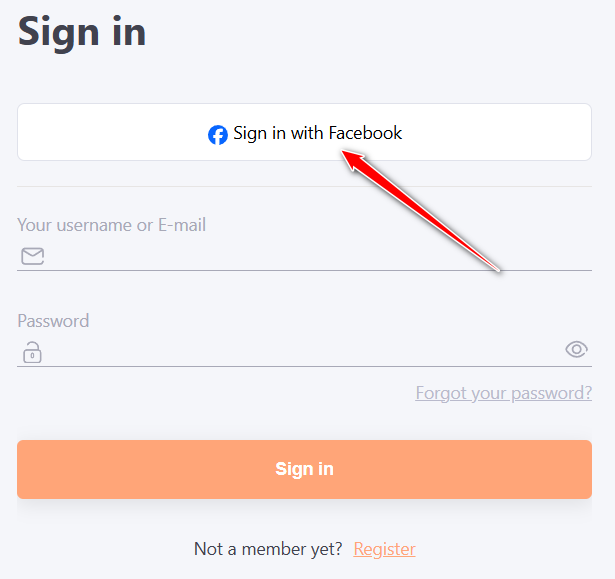
Then you need to press the "Log In" button and to confirm the operation:
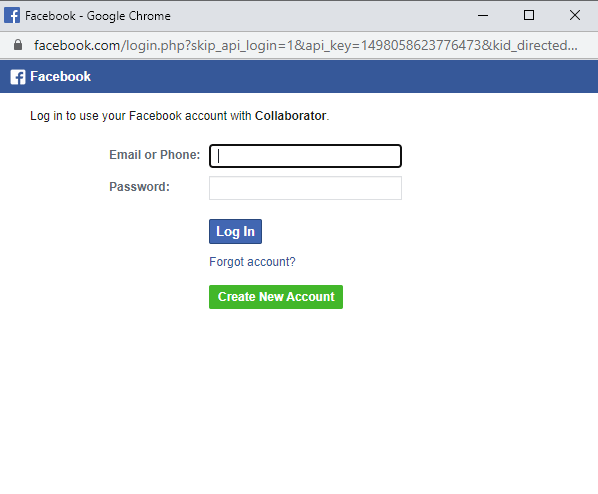
After that, the account will be authorized and the user's profile will open for editing.
Each user can "link" his account to these accounts already after registration. After that they will be able to log in with one click if they are already using Facebook or Google.
To do this, just enter your profile and click "Sign in via Facebook" or "Sign in via Google. The system will automatically "link" the account. You can also "unlink" at any time in the same way.