
Notification templates for Managers
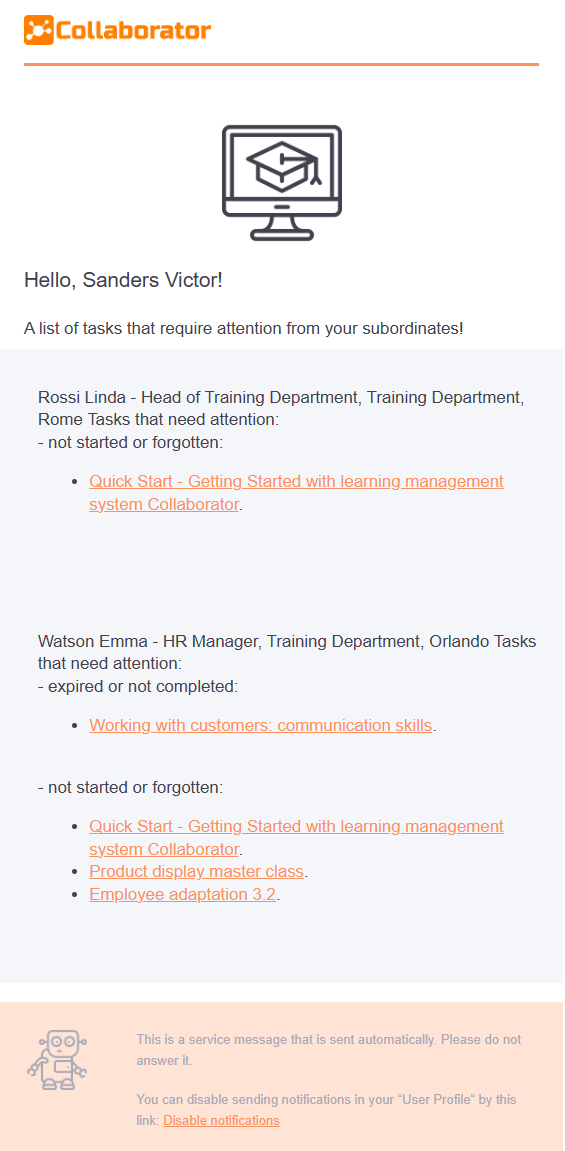
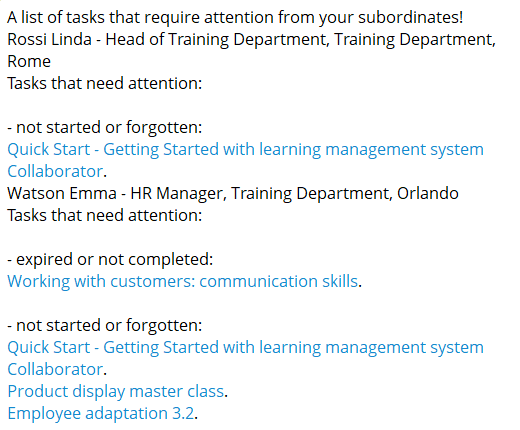
A list of tasks that require attention from your subordinates
Notification to the line manager (according to the organizational structure) with a list of their subordinates’ incomplete tasks: tasks completed unsuccessfully, not started, or overdue.
You can set the time and frequency of the notifications on the "Tasks" page in the menu Task Reminder.
| Telegram / Viber / SMS / MS Teams / Slack | |
|---|---|
 |
 |
| Variable | Meaning |
|---|---|
| {{site.title}} | The name of the portal in the message header |
| {{user.fullname}} | Name of the User to whom the message is sent |
| {{fullname}} | Name of subordinates |
| {{#position}}{{.}},{{/position}} | Positions of subordinates |
| {{#department}}{{.}},{{/department}} | Subordinate departments |
| {{#city}}{{.}}{{/city}} | Subordinate cities |
| {{title_tasks_not_completed}} | Names and links of tasks that are overdue or not completed |
| {{title_tasks_failed}} | Names and links of tasks that were completed unsuccessfully |
| {{title_tasks_not_beginned}} | Titles and links of tasks not started or skipped |
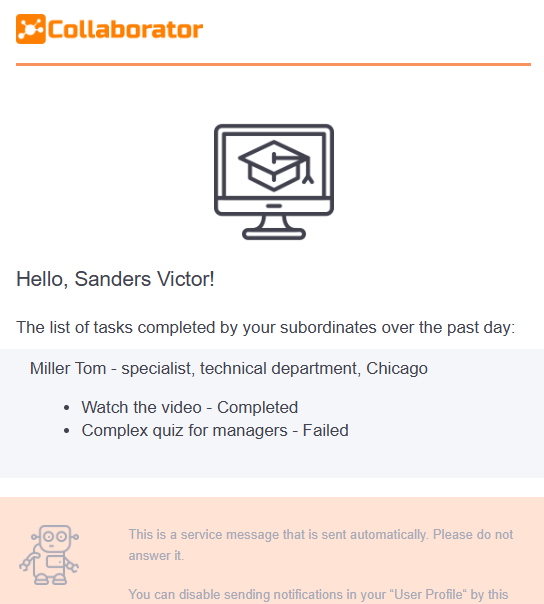
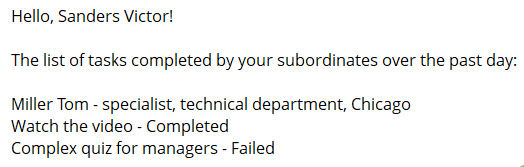
The result of completed tasks by subordinates
Notification to the line manager (according to the organizational structure) or functional manager with a list of tasks completed by his subordinates over the past day. The status of the execution is indicated in the message: successful or unsuccessful.
You can set the time for sending the message on the page Messaging settings.
| Telegram / Viber / SMS / MS Teams / Slack | |
|---|---|
 |
 |
| Variable | Meaning |
|---|---|
| {{site.title} | The name of the portal in the message header |
| {{user.fullname}} | Name of the User to whom the message is being sent |
| {{fullname}} | Name of subordinates |
| {{#position}}{{.}},{{/position}} | Positions of subordinates |
| {{#department}}{{.}},{{/department}} | Subordinate departments |
| {{#city}}{{.}}{{/city}} | Subordinate cities |
| {{title}} | Names of completed tasks |
| {{status}} | Status of completed tasks |
New tasks for subordinates
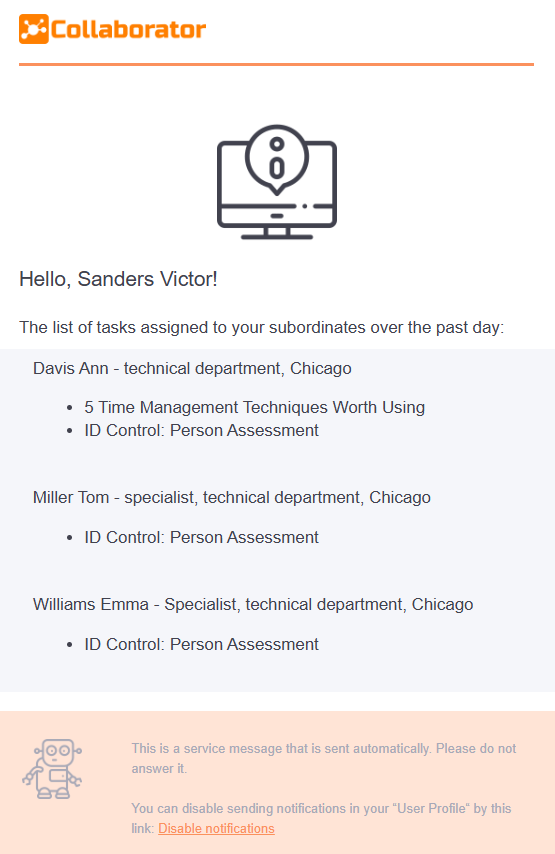
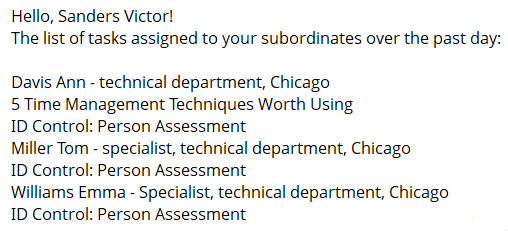
Notification to the line manager (according to the organizational structure) or functional manager with a list of all tasks assigned to his subordinates for the past day.
You can set the time for sending the message on the page Messaging settings.
| Telegram / Viber / SMS / MS Teams / Slack | |
|---|---|
 |
 |
| Variable | Value |
|---|---|
| {{site.title} | The name of the portal in the message header |
| {{user.fullname}} | Name of the User to whom the message is being sent |
| {{fullname}} | Names of subordinates to whom the task is assigned |
| {{#attributes}}{{value}}{{/attributes}} | A list of attributes (position, department, city) of subordinates to whom the task is assigned |
| {{title}} | Task titles |