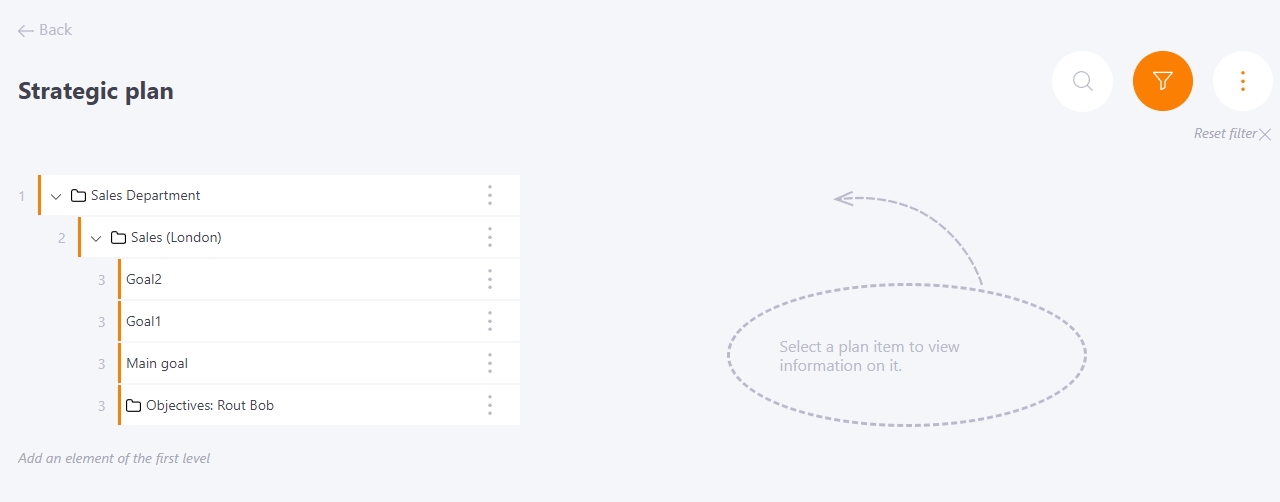
Filter by objectives
There is a filtering function to quickly find the necessary objectives. To do this, use the Filter by Objective button on the Strategic Plan page.
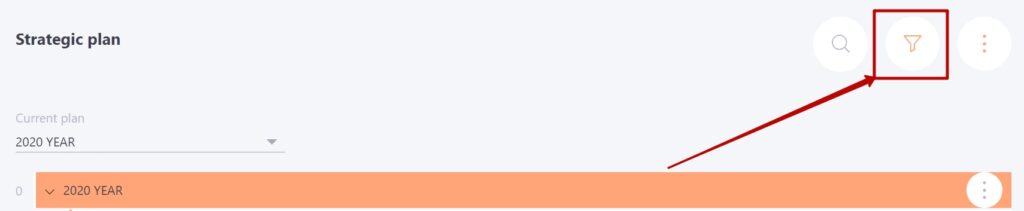
The search is performed by the selected Current plan.
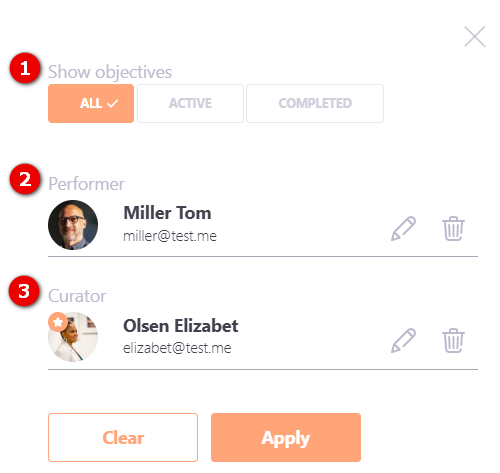
The objective tree can be filtered by:
(1) - status of work on objectives - All/Active/Completed (for more information on creating statuses, see Statuses for objectives):
- All – all objectives are displayed.
- Active – only those that are in progress are displayed.
- Completed – only completed objectives are displayed
(2) - Performer - the user to whom the objectives are assigned;
(3) - Curator — the user responsible for evaluating objective completion.
If you set a filter, only the tasks that match the set filter parameters will be displayed in the objectives tree. In addition, the whole chain from the found task to the top objective of the first level - Strategic direction - will be shown.