
Survey execution modes
The survey execution mode determines the order and rules for passing questions by participants.
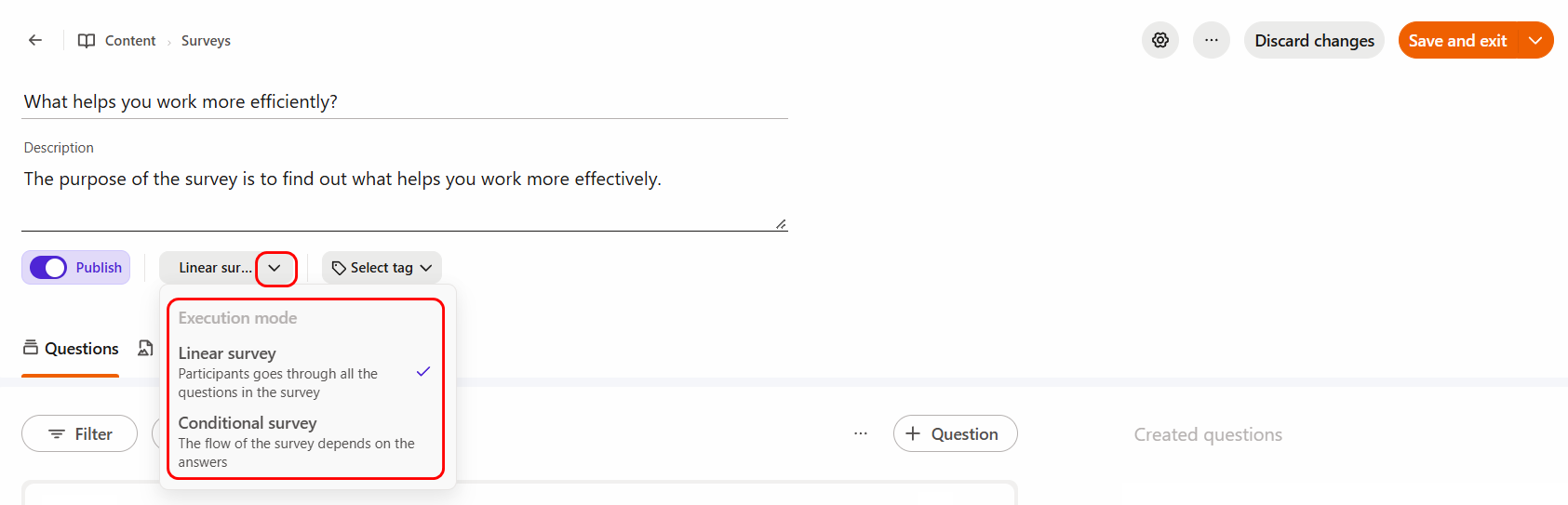
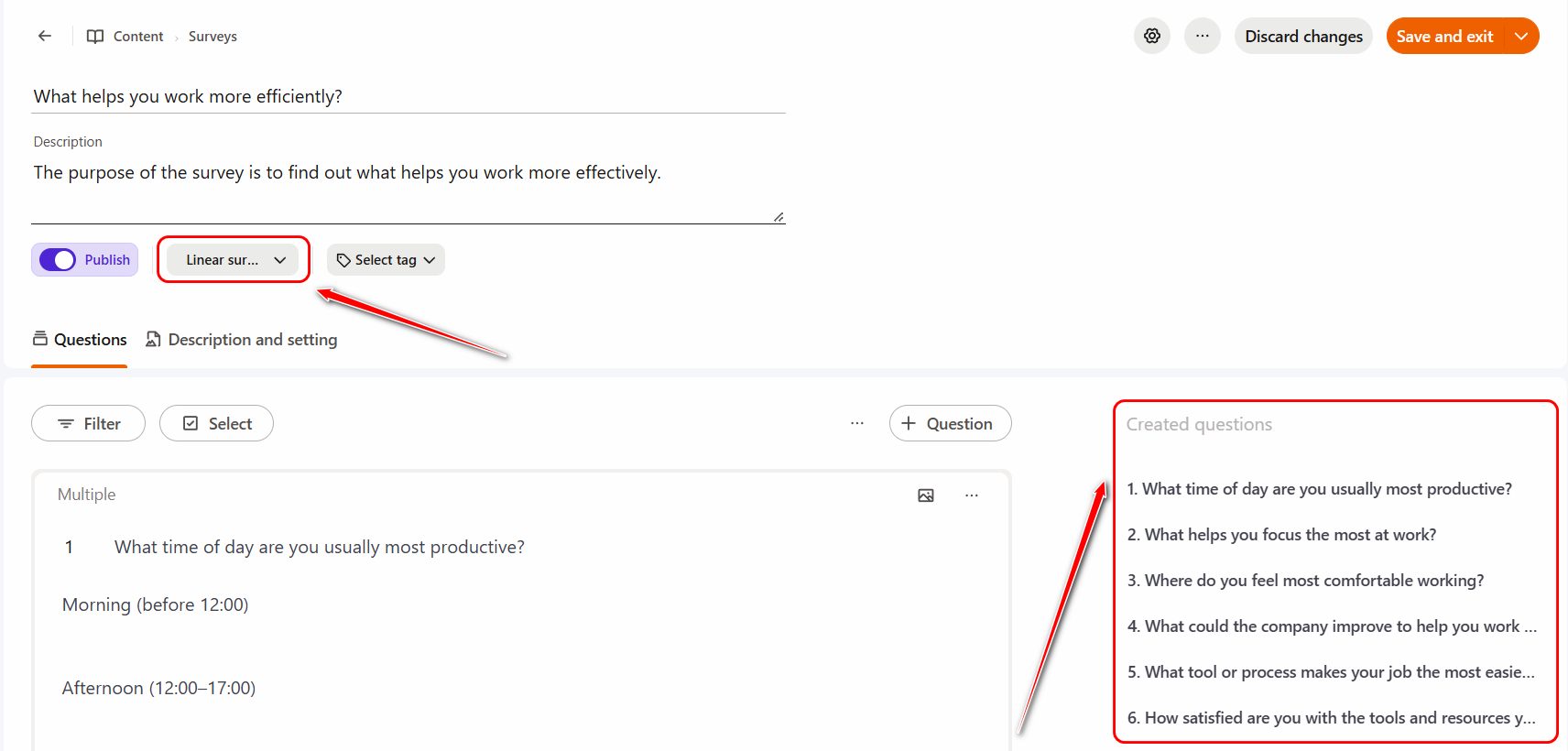
Linear survey
This is the standard mode in which all questions are displayed to the user sequentially, one after another. This mode is selected by default when a survey is created and does not require any additional configuration.
Conditional survey
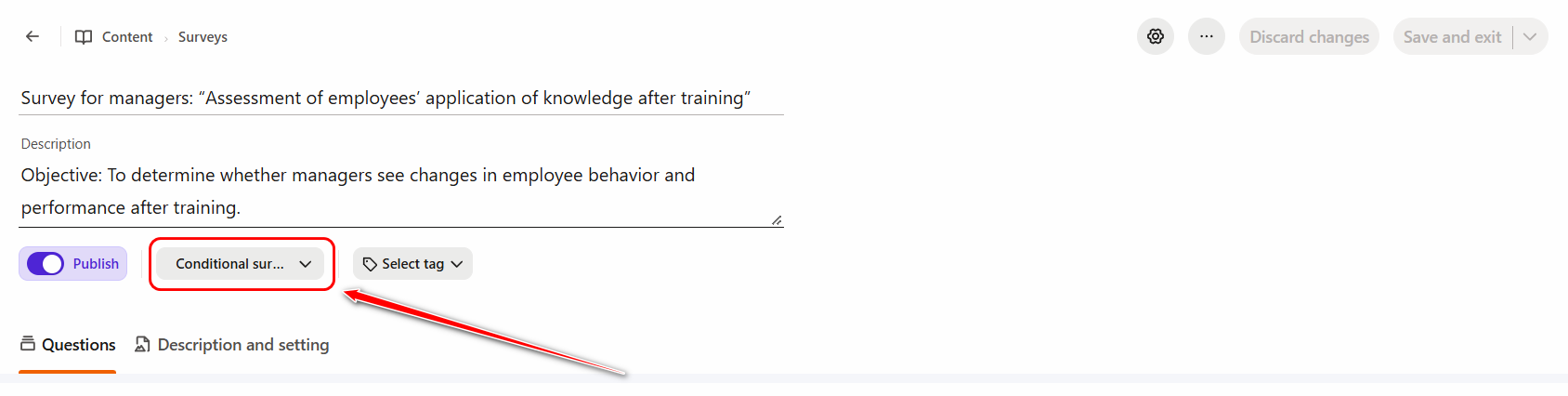
Conditional survey allows you to set up automatic transitions to different questions depending on the answer to a previous single question.
To do this, select the Conditional survey option on the survey page:
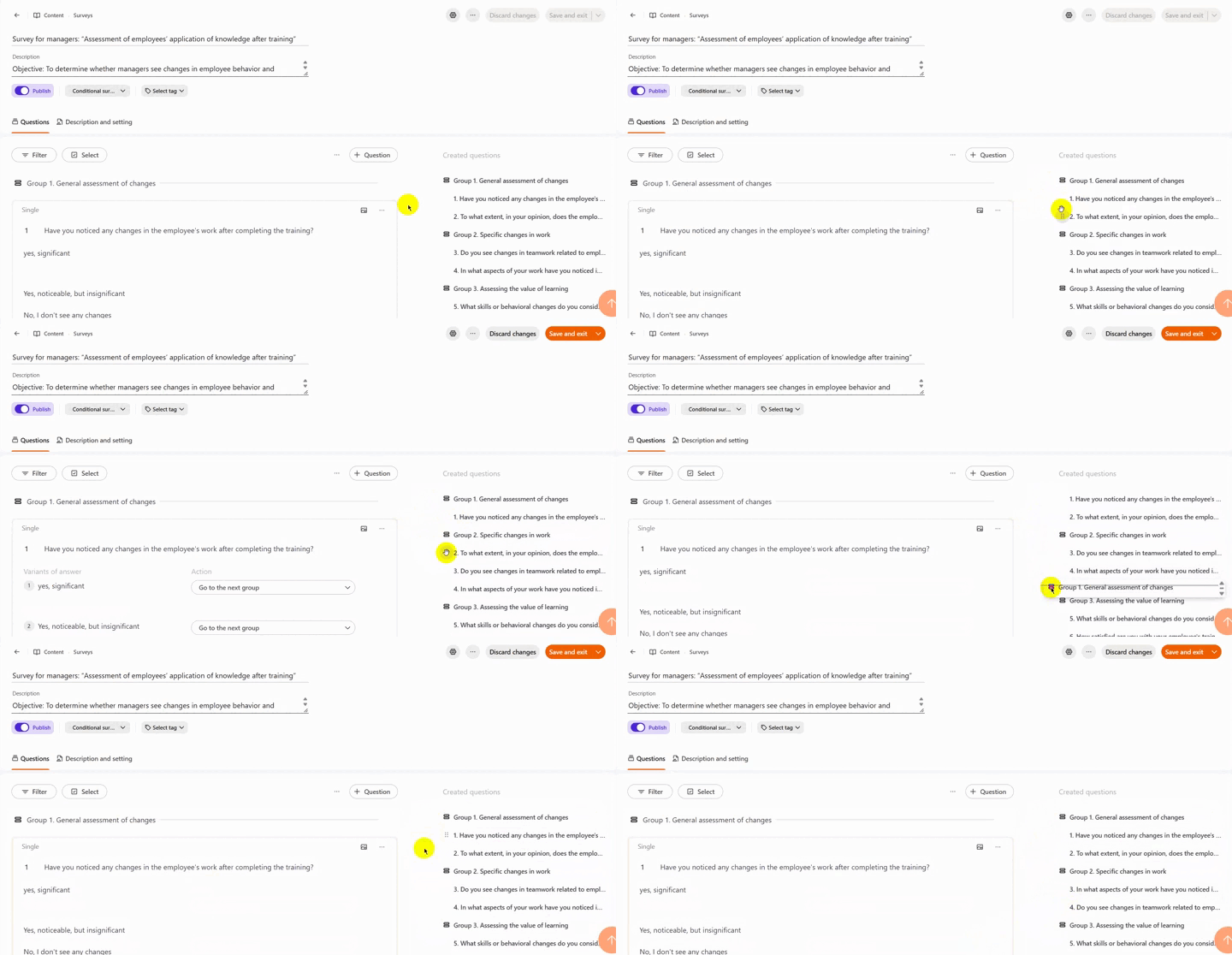
Next on the Questions tab use the Question button to create groups and the questions themselves, and then assign all questions to the appropriate survey groups.
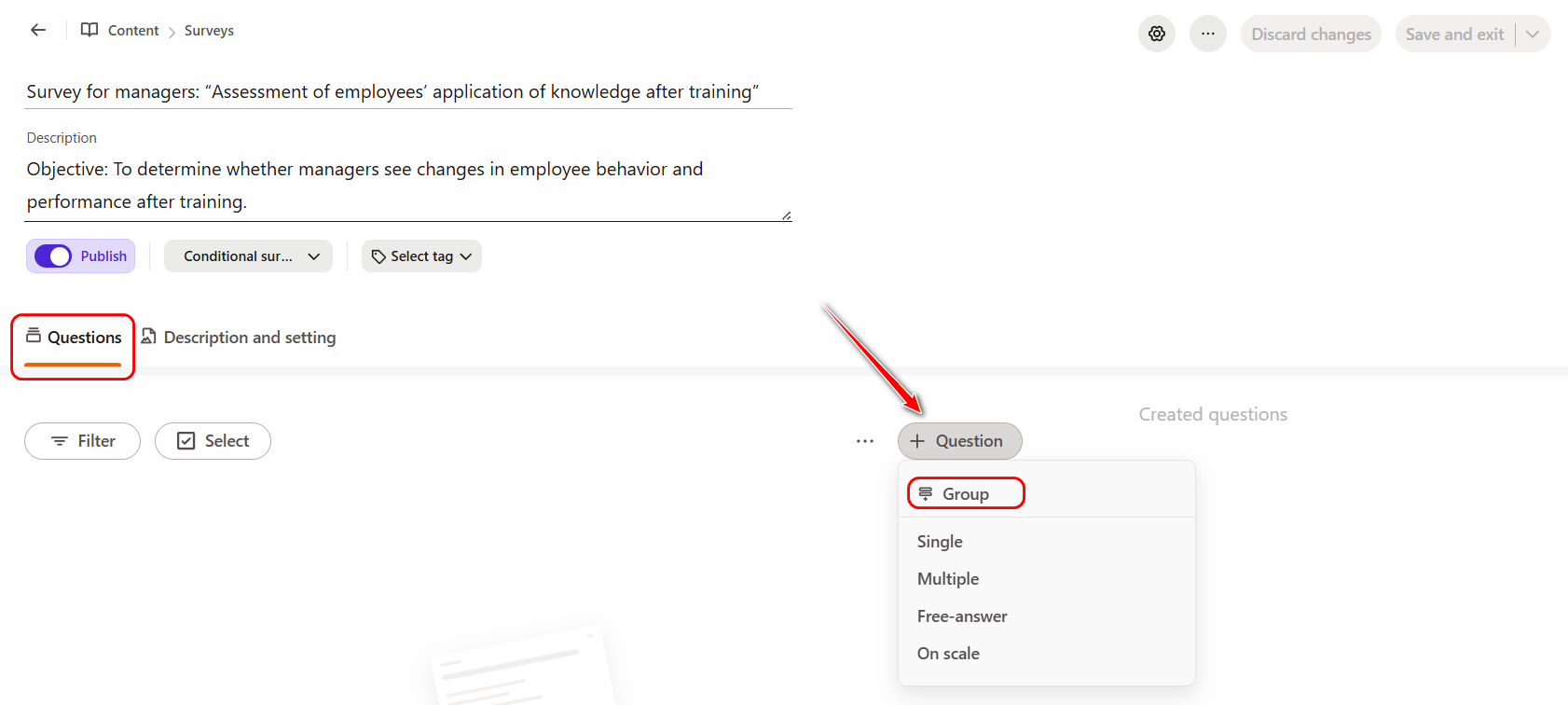
You can use the move markers to move groups and individual questions around the structure. This way, you can arrange the groups and questions in the order you want.
For the last single question in a group, you can configure an Action that will be triggered when each answer option is selected.
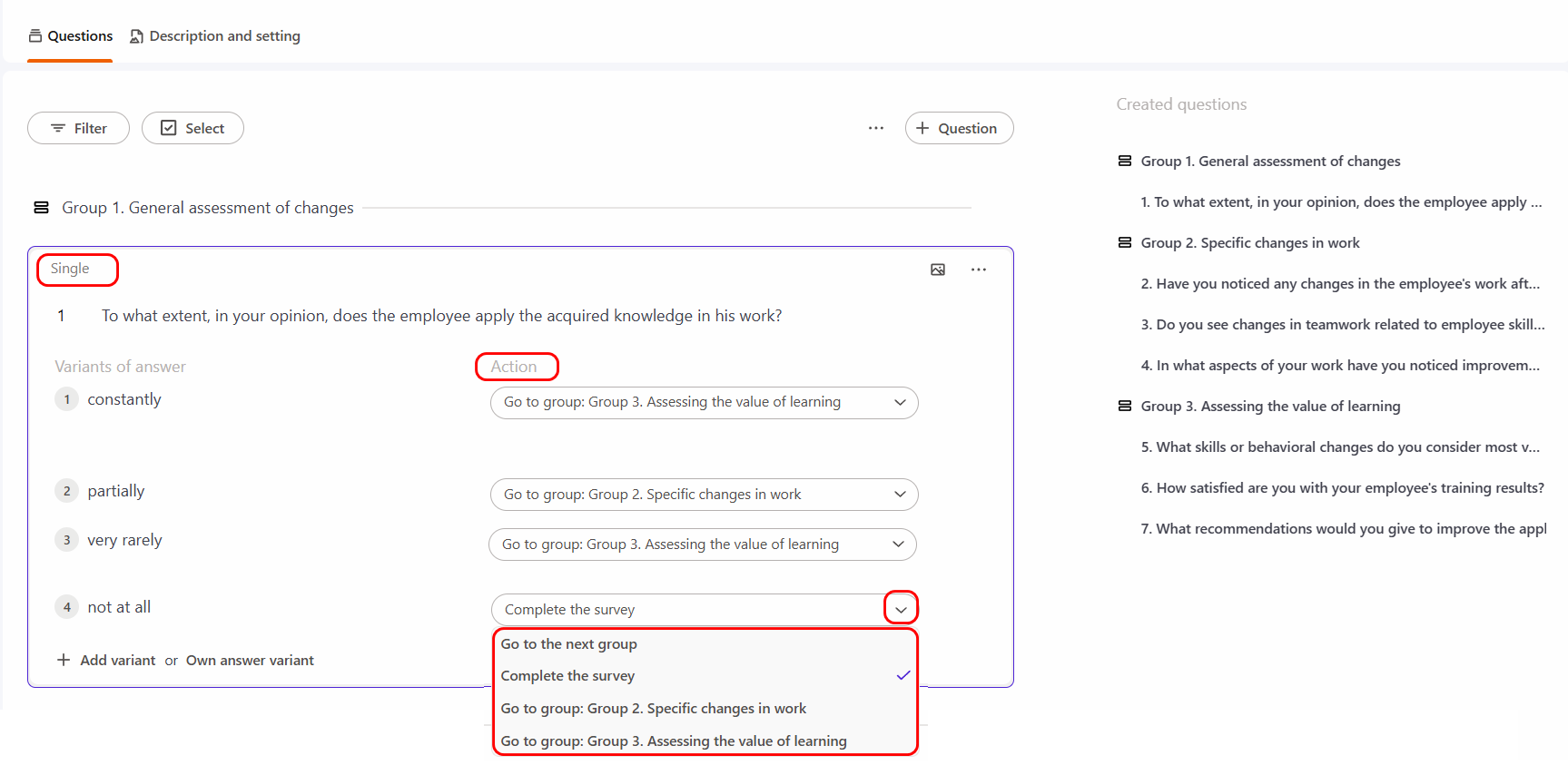
For example, if the third variant "very rarely" has the Action - Go to Group 3, then if the user selects the answer option "very rarely" when completing the survey, he will be immediately redirected to the questions of Group 3, and the questions from Group 2 will not be displayed to the user.
In this way, you can create multi-level branched surveys.