
Self registration
On the open websites, users can register in the system by themselves.
For self-registration, the portal administrator must set up the registration form and enter the "Terms of the portal". Details about setting up the registration form are in the article - Registration form settings.
To do this, you must perform the following steps:
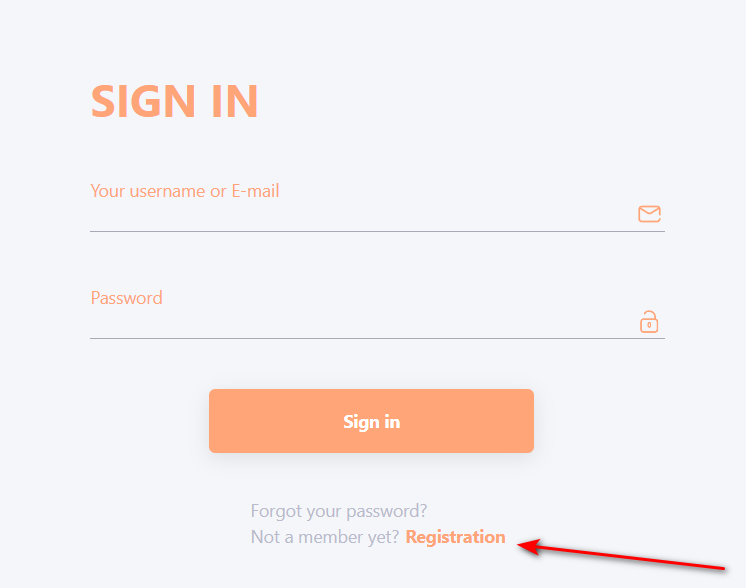
- Click on the Registration link in the login page:
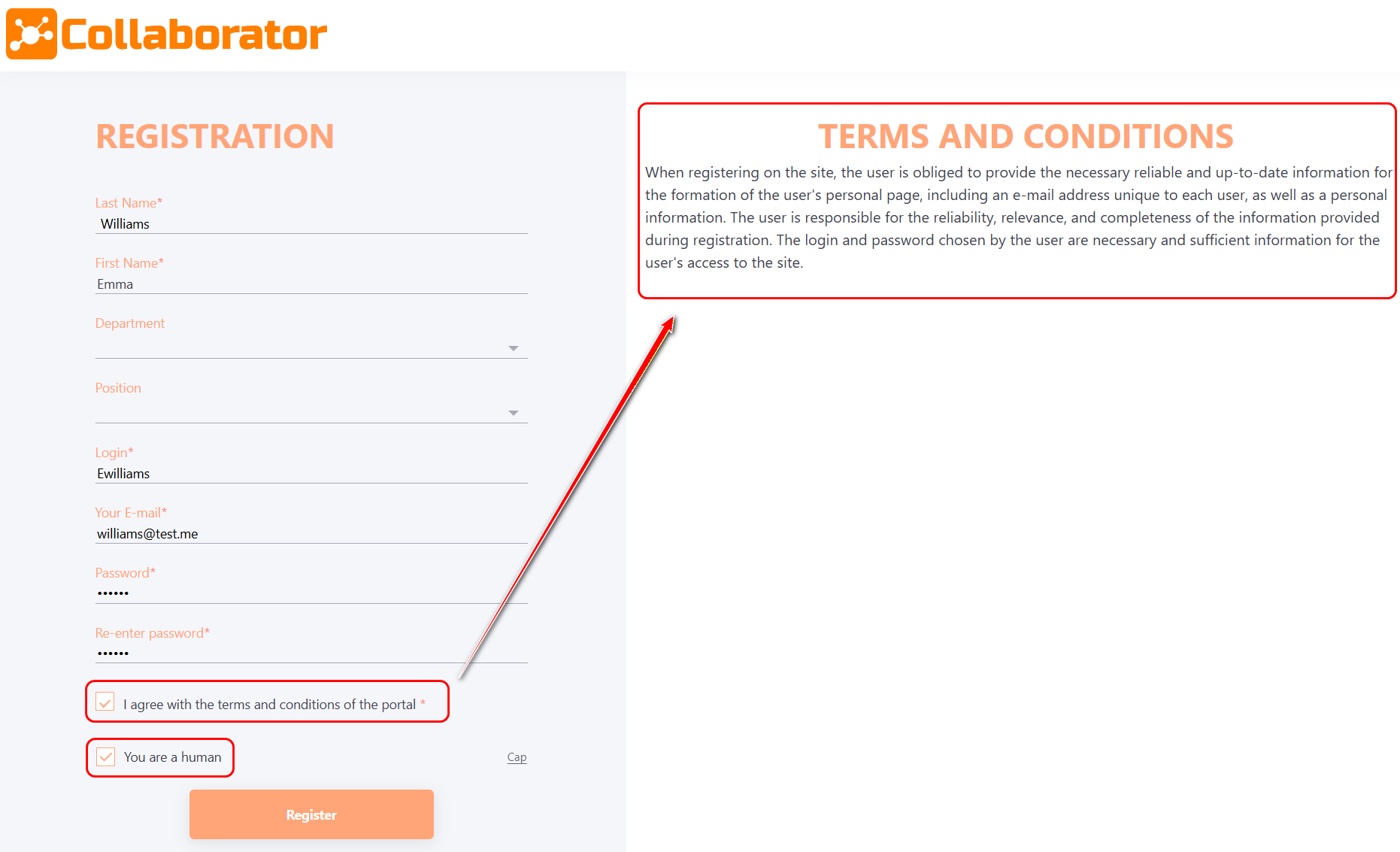
- In the registration form, you need to fill in all the mandatory fields (marked * ), as well as optional fields. Agree to the portal terms (check the checkbox); confirm that you are a human (check the checkbox) and click the Register button.
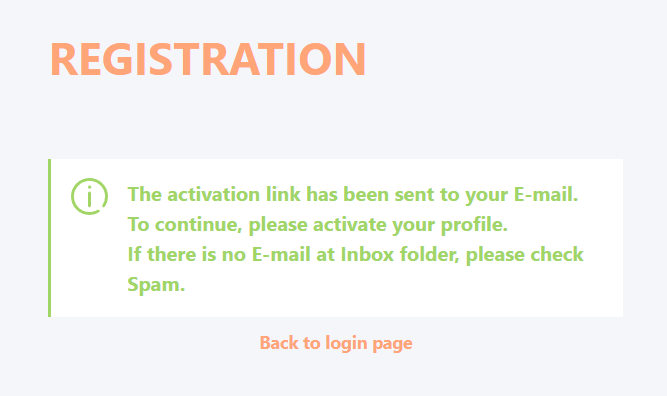
After clicking on Register button, Email will be sent to confirm the mail address.
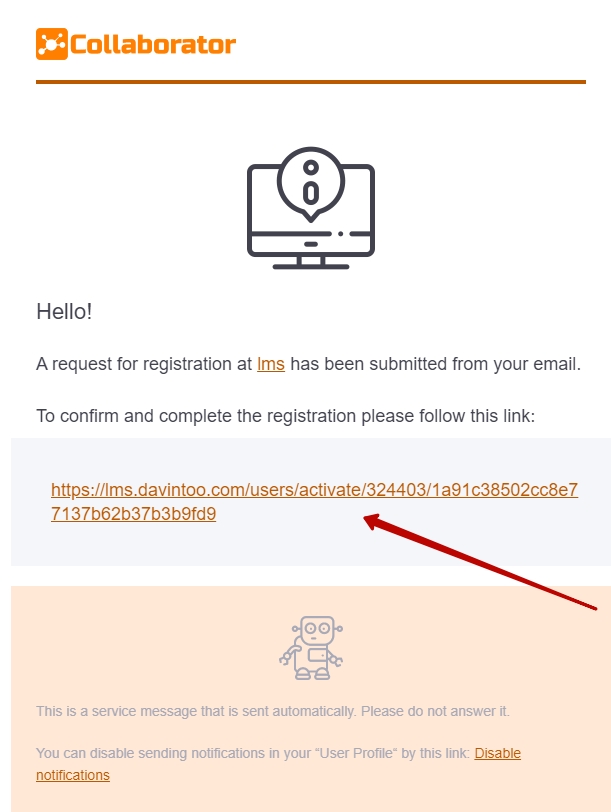
- Follow the link within the Email
If you have not received this letter, please check your Spam folder.
- Adding extra information to the profile
After login you can add additional information about yourself: work contacts, date of birth, gender, language of the portal, avatar:

It is also possible to register and sign in to Collaborator using Google+ and Facebook accounts.
Read more about it in the following article Login via social networks .