
Table of Contents
Updating quiz questions
Updating question copies
During the editing of a question that has copies in the current or other quizzes, the system will automatically display a warning before saving the changes:
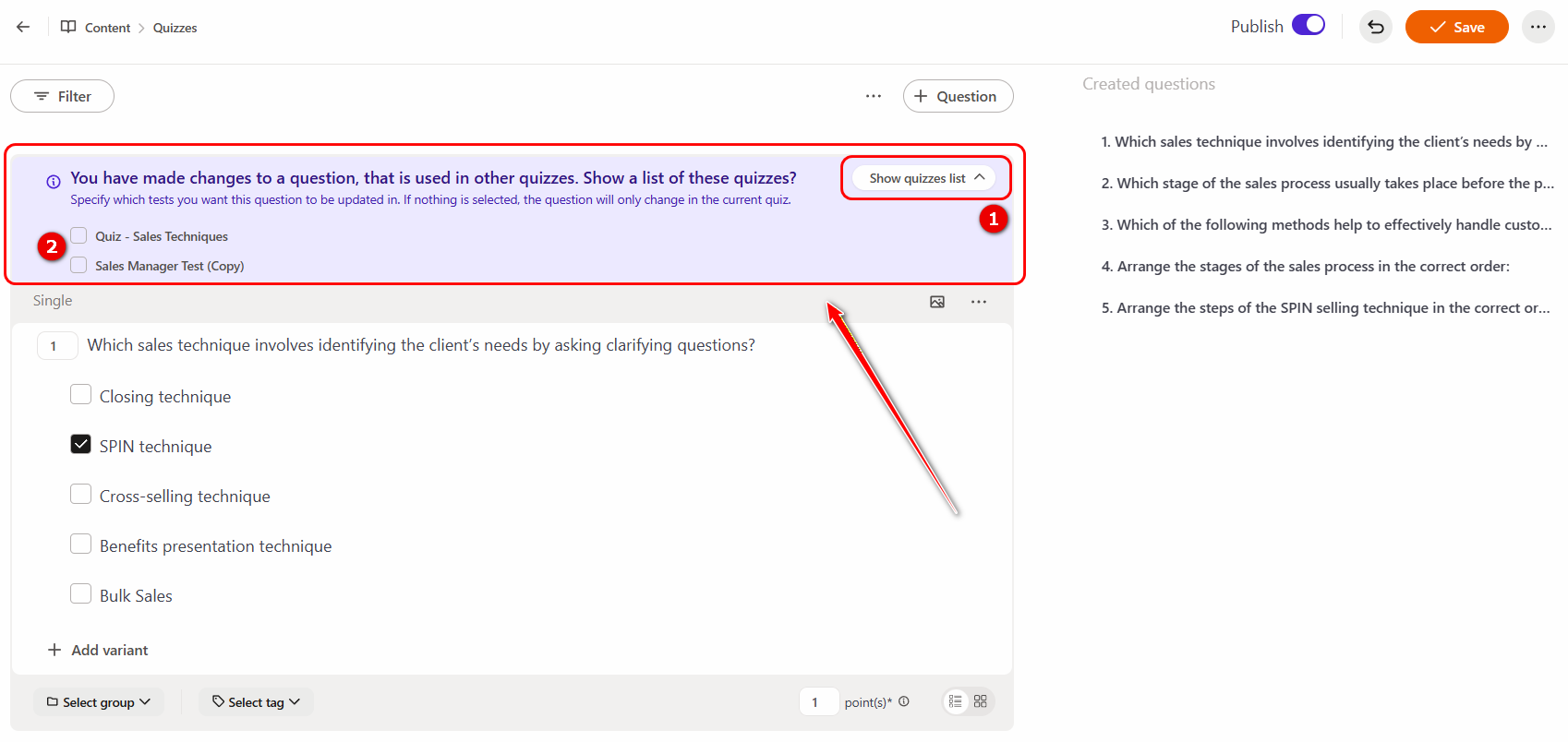
To view the list of quizzes (2) where copies of the question are used, click the Show quizzes list (1) button.
If you need to apply the changes to all or selected copies, select the checkboxes next to the quizzes in which the question should be updated — in this case, the new data will be applied to the selected copies.
If the question edits should apply only to the current quiz, ignore the message and click the Save button.
Updating the question type
Please note! Once a question has been saved, its type can no longer be changed.