Users - Registration confirmation
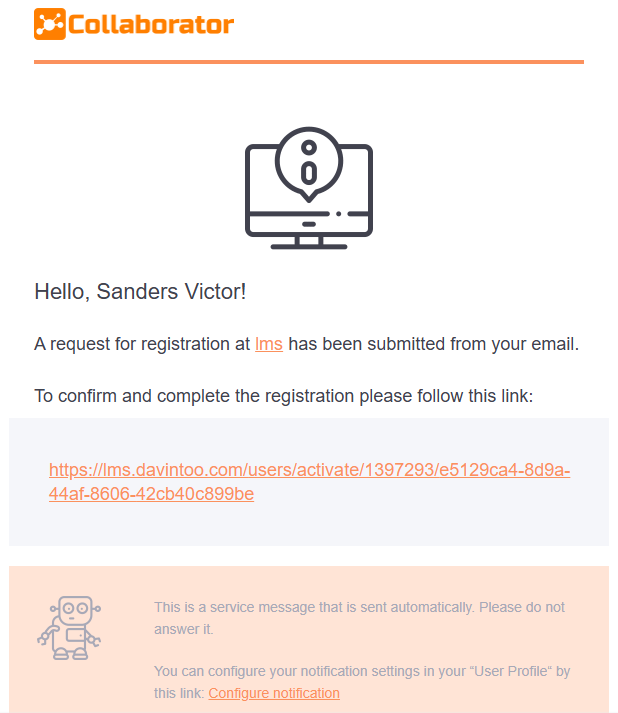
Notification to the user with a link to confirm registration. The notification is sent after the user has filled in the registration form and clicked on the Register button. Find more in Self registration.
Attention! Notifications are not sent to messengers. The user can enable receiving notifications via Telegram / Viber / MS Teams bot only after authorization on the portal in the
Notifications Menu.
| E-mail |
 |
| Variable |
Value |
| {{site.title}} |
The title of the portal in the notification header |
| {{user.fullname}} |
Fullname of the User to whom the message is sent |
| {{site.url}} |
Link to the educational portal |
| {{site.title}} |
The title of the educational portal |
| {{user_id}}, {{activation_key}} |
Component links to confirm registration |
Users - Registration successful
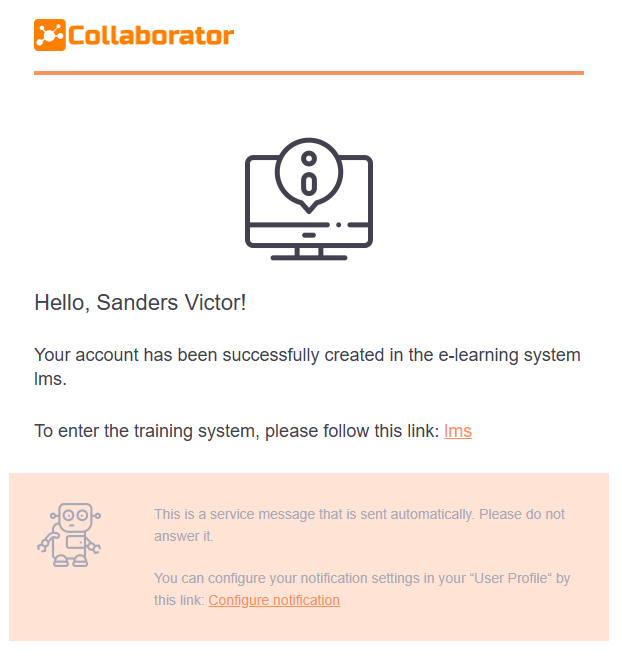
Notification of successful registration is sent in two cases.
1. Self-registration of the user
Notifications are received by users who independently registered on the portal and followed the link to complete registration.
Attention! Notifications are not sent to messengers. The user can enable receiving notifications via Telegram / Viber / MS Teams bot only after authorization on the portal in the
Notifications Menu.
| E-mail |
 |
| Variable |
Value |
| {{site.title}} |
The title of the portal in the notification header |
| {{user.fullname}} |
Fullname of the User to whom the message is sent |
| {{site.url}} |
Link to the educational portal |
2. Registration by the Administrator
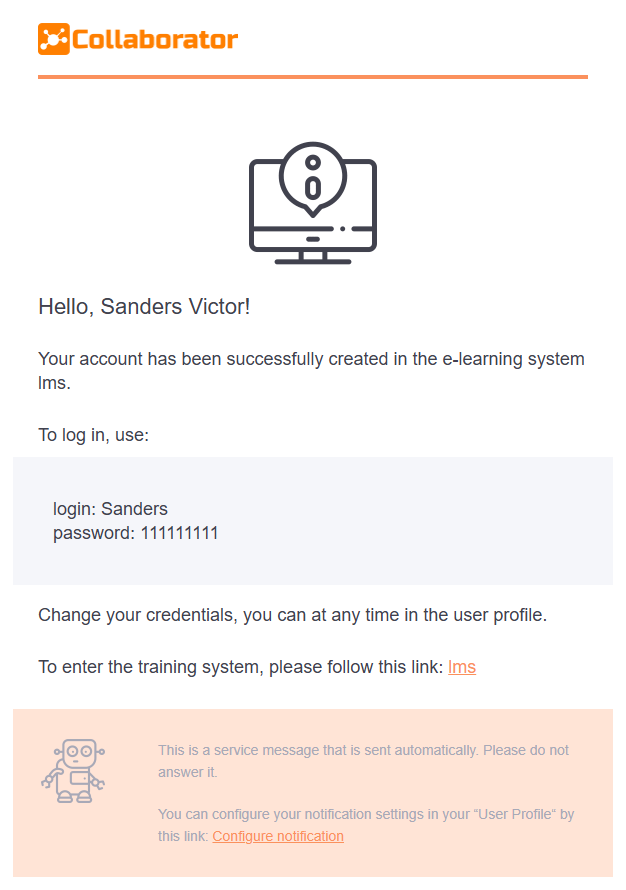
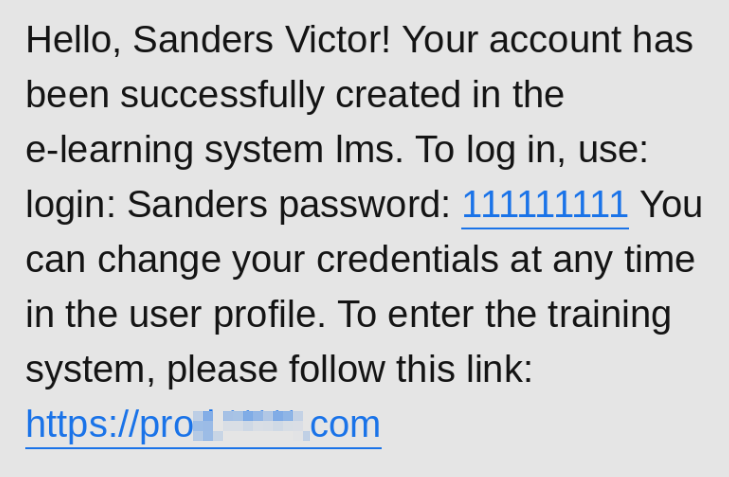
Notifications are received by users who were manually registered by the Administrator on the "Users" page and to whom the notification with login data was sent.
Attention! An SMS notification is sent only if
SMS integration is enabled on the portal.
Attention! Notifications are not sent to messengers. The user can enable receiving notifications via Telegram / Viber / MS Teams bot only after authorization on the portal in the
Notifications Menu.
| E-mail |
SMS |
 |
 |
| Variable |
Value |
| {{site.title}} |
The title of the portal in the notification header |
| {{user.fullname}} |
Fullname of the User to whom the message is sent |
| {{login}} |
User login |
| {{password}} |
User password |
| {{site.url}} |
Link to the educational portal |
Users - User has been added after import
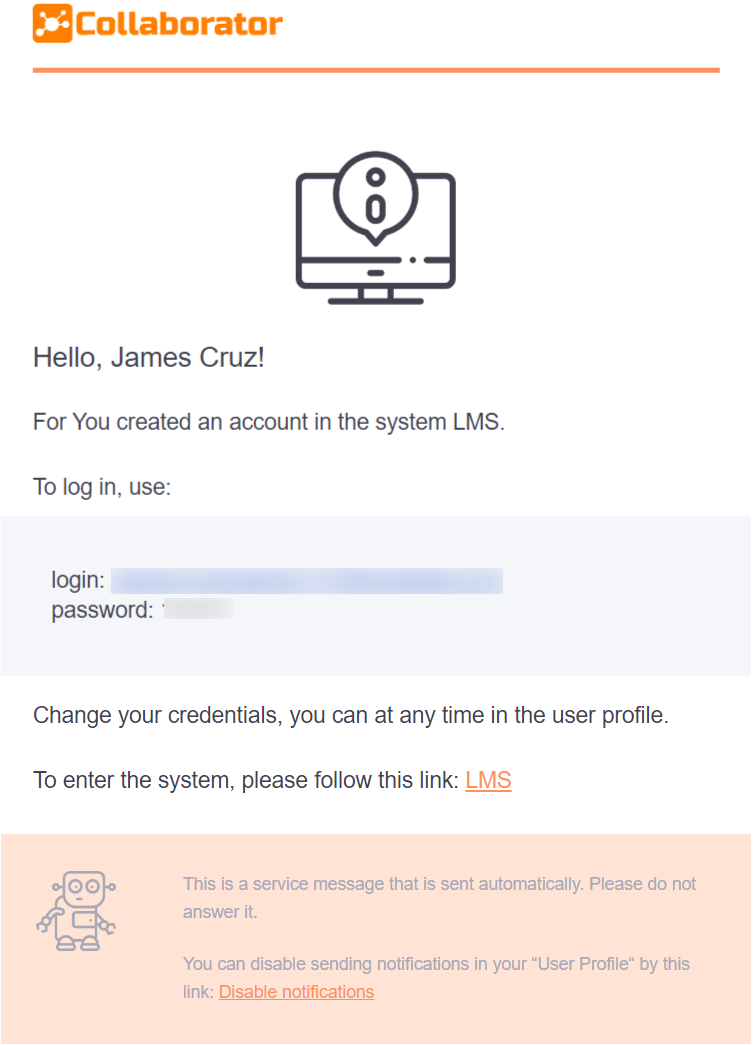
Notification to the user about registration in the system, where the authorization data (login and password) are specified. Notifications are sent to all new users after importing a file (find more Synchronization users using CSV) or another way to import users (Synchronization with Active Directory, API – User import etc.).
Please note! Notifications are not sent to messengers. The user can enable receiving notifications via Telegram / Viber / MS Teams bot only after logging in to the portal in
Security and notifications menu.
| E-mail |
 |
| Variable |
Value |
| {{site.title}} |
The title of the portal in the notification header |
| {{user.fullname}} |
Fullname of the User to whom the message is sent |
| {{login}} |
User login |
| {{password}} |
User password |
| {{site.url}} |
Link to the educational portal |
User login by one time password
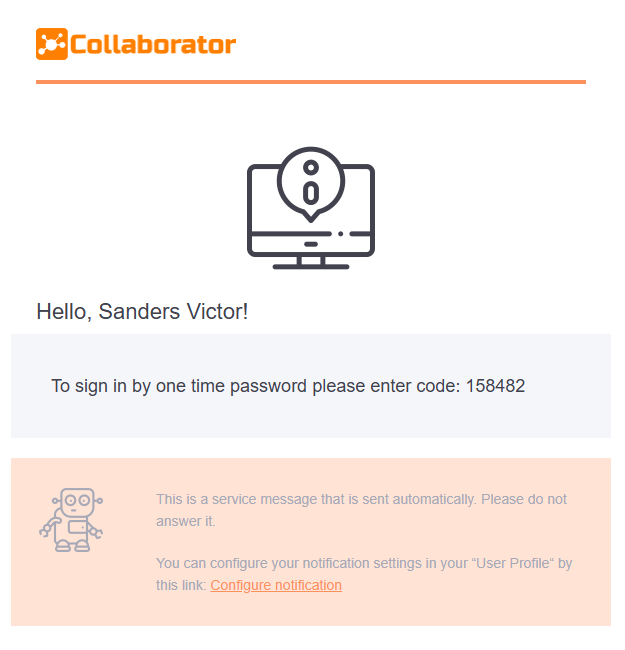
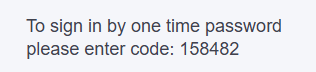
A message with a temporary password valid for 15 minutes for authentication.
It is sent to the user after he left his phone number in the “Sign in via one time password” form on the Guest page.
| E-mail |
SMS |
 |
 |
| Variable |
Value |
| {{site.title}} |
The title of the portal in the notification header |
| {{user.fullname}} |
Fullname of the User to whom the message is sent |
| {{code}} |
A code for logging in using a one time password |
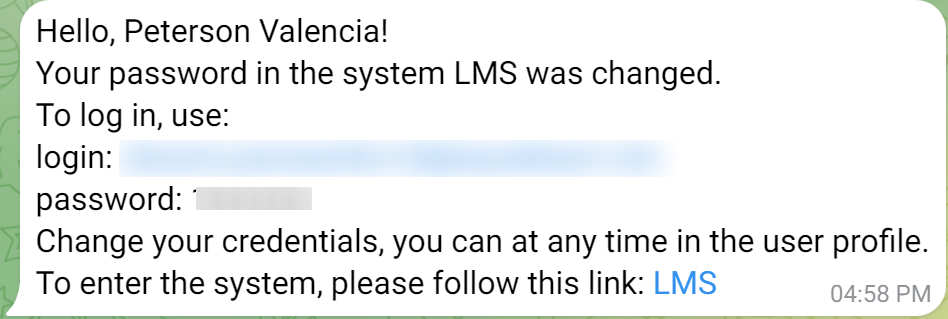
Users - Your password has been changed
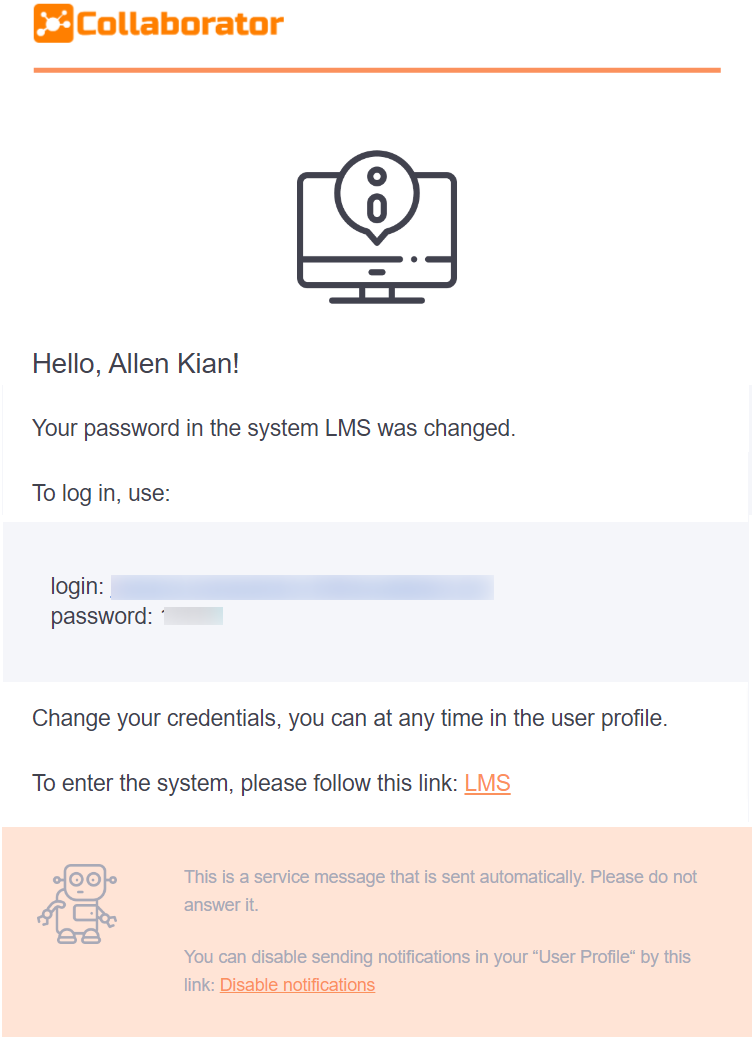
Notification to the user with login data after the password is changed by the Administrator in the User table.
| E-mail |
Telegram / Viber / SMS / MS Teams / Slack |
 |
 |
| Variable |
Value |
| {{site.title}} |
The title of the portal in the notification header |
| {{user.fullname}} |
Fullname of the User to whom the message is sent |
| {{login}} |
User login |
| {{password}} |
User password |
| {{site.url}} |
Link to the educational portal |
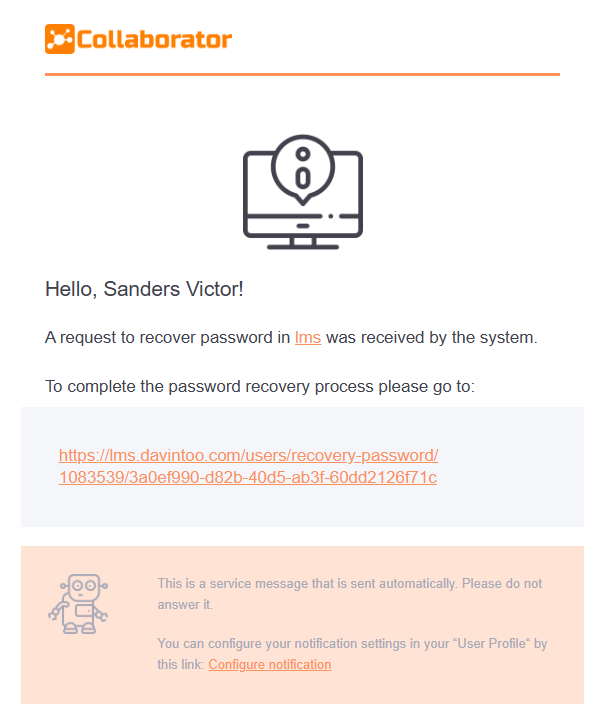
Users - Password recovery request
A message to the user with a link to recover the password. Sent after the user has made a request in the form on the login page. Find more in Password recovery.
| E-mail |
Telegram / Viber / SMS / MS Teams / Slack |
 |
 |
| Variable |
Value |
| {{site.title}} |
The title of the portal in the notification header |
| {{user.fullname}} |
Fullname of the User to whom the message is sent |
| {{site.url}} |
Link to the educational portal |
| {{user_id}}, {{remind_key}} |
Component links for password recovery |
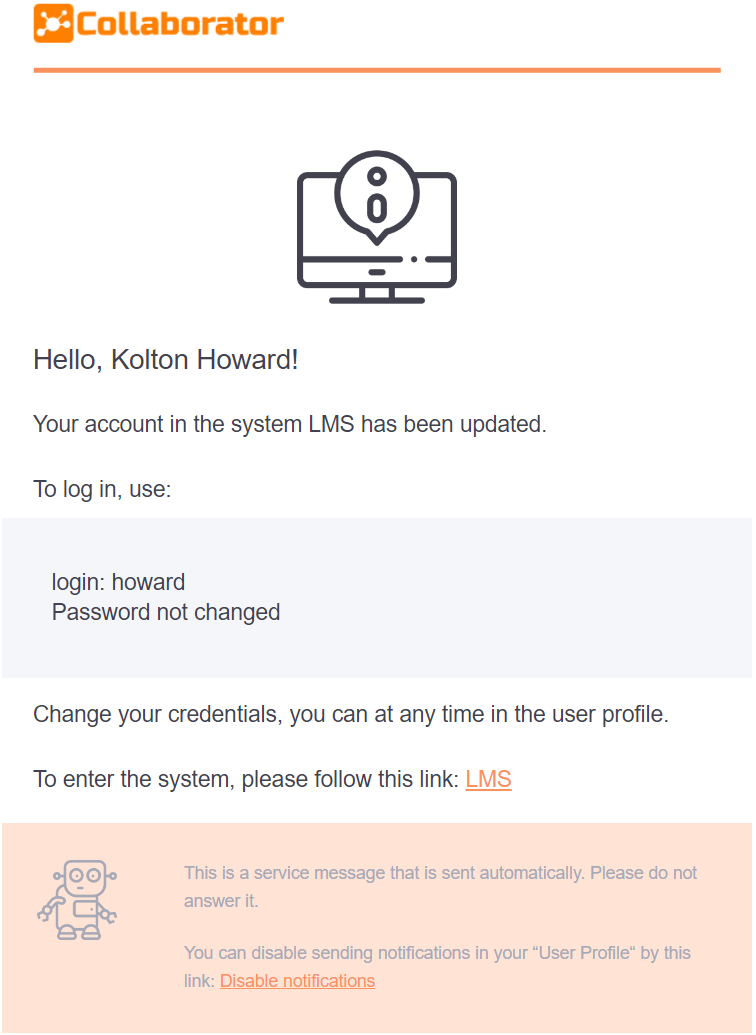
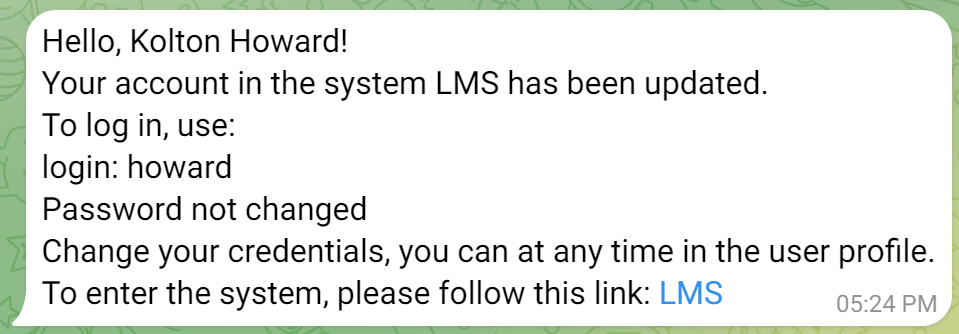
Users - Information about user has been updated after import
Changing user information during import. Notifications are sent to all users for whom changes were made in the file immediately after the file is imported into the system.
| E-mail |
Telegram / Viber / SMS / MS Teams / Slack |
 |
 |
| Variable |
Value |
| {{site.title}} |
The title of the portal in the notification header |
| {{user.fullname}} |
Fullname of the User to whom the message is sent |
| {{login}} |
User login |
| {{site.url}} |
Link to the educational portal |
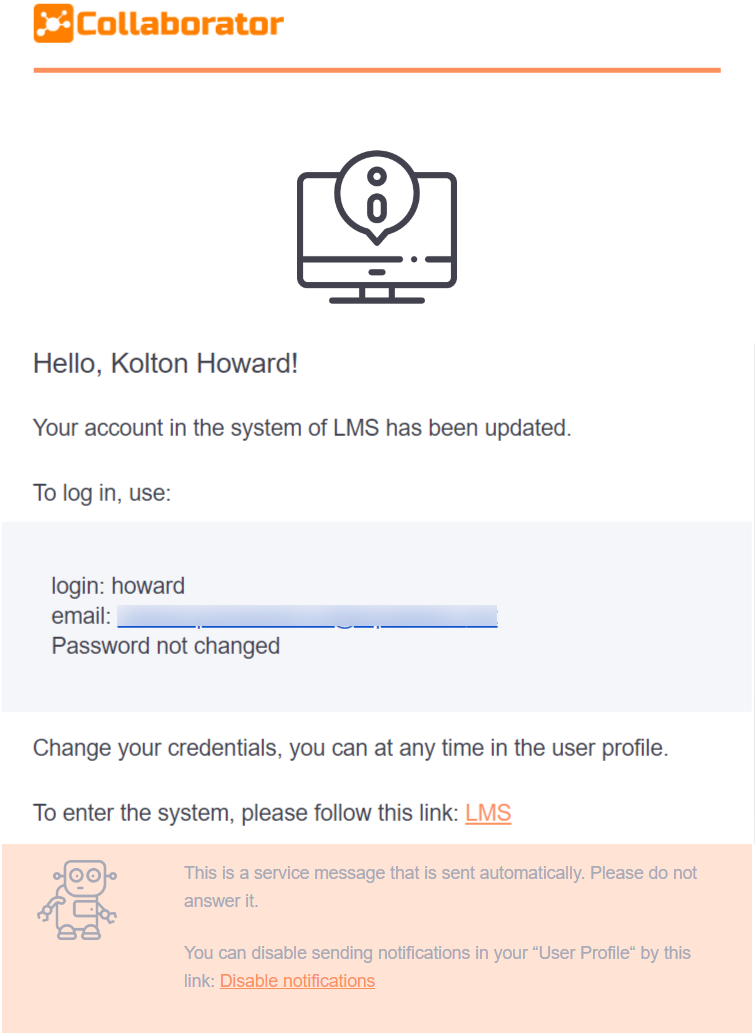
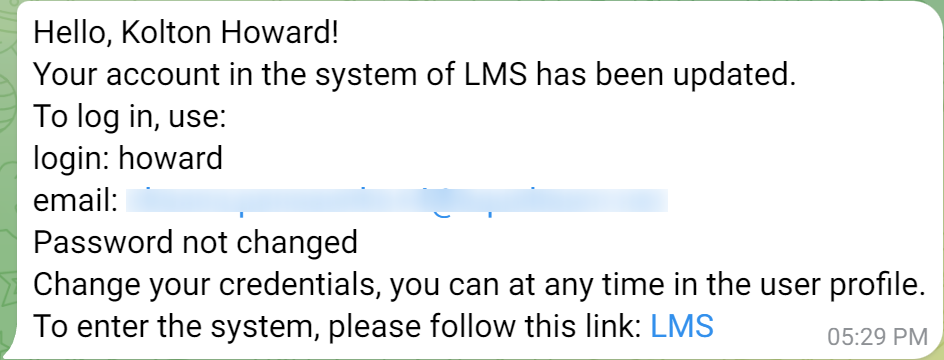
Users - Your account in the has been updated
Message with data changed by the administrator to log in to the system.
Please note! If the email was changed in the user's profile, this letter is sent to the email that was specified earlier.
| E-mail |
Telegram / Viber / SMS / MS Teams / Slack |
 |
 |
| Variable |
Value |
| {{site.title}} |
The title of the portal in the notification header |
| {{user.fullname}} |
Fullname of the User to whom the message is sent |
| {{login}} |
User login |
| {{newEmail}} |
New email address of the user |
| {{site.url}} |
Link to the educational portal |
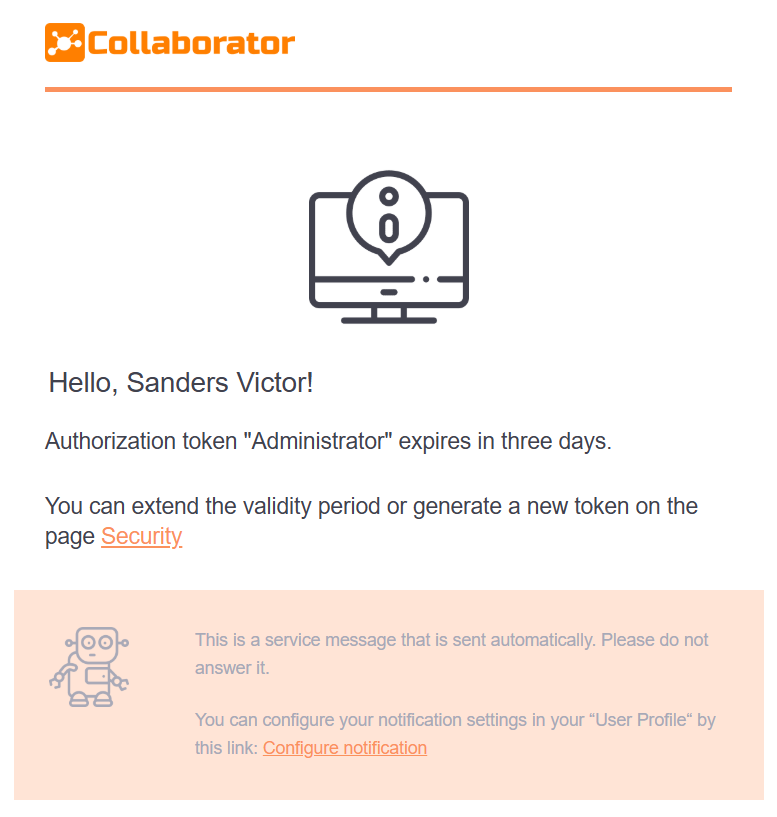
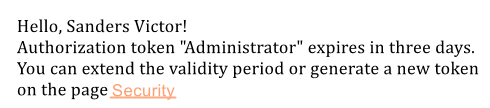
Users - authorization token expires in three days
Notification to the user that their API authorization token is expiring in three days and that they need to renew the token or create a new one. Sent automatically at 9:00 AM.
For more information about the authorization token, see the article API token .
| E-mail |
Telegram / Viber / SMS / MS Teams / Slack |
 |
 |
| Variable |
Value |
| {{site.title}} |
Portal title in the notification header |
| {{user.fullname}} |
Full Name of the User to whom the notification is being sent |
| {{uuid}} |
Authorization Token Name |
Users - Security report
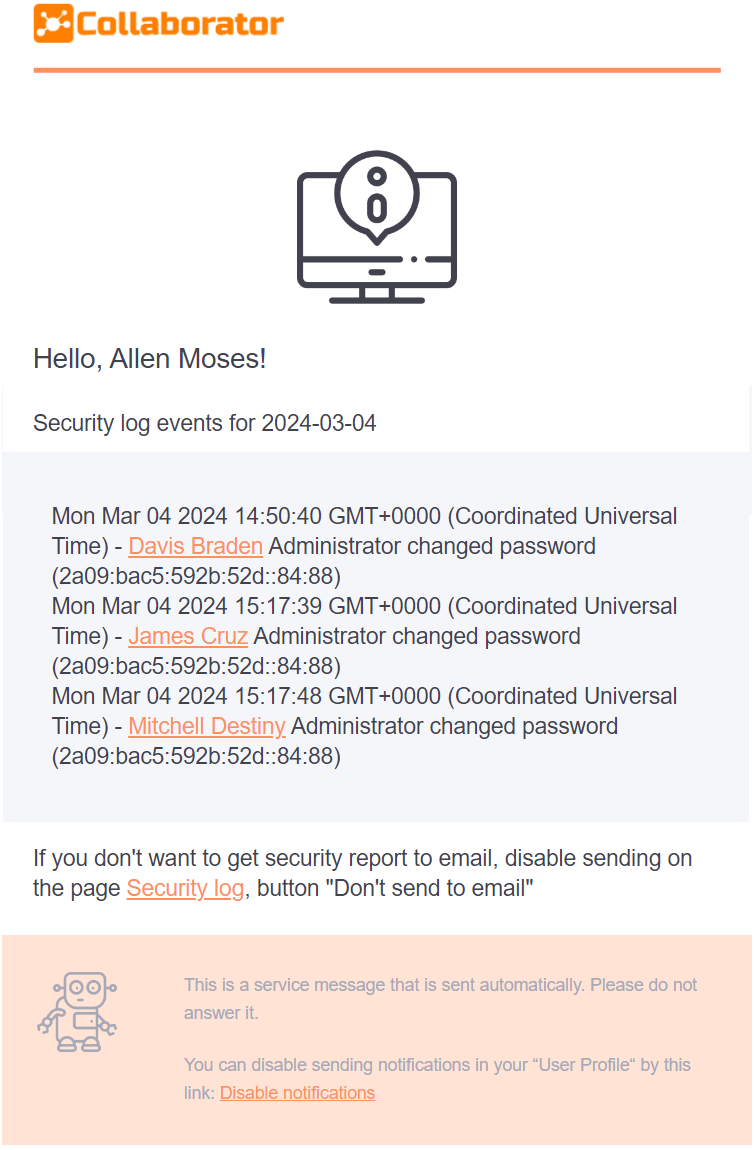
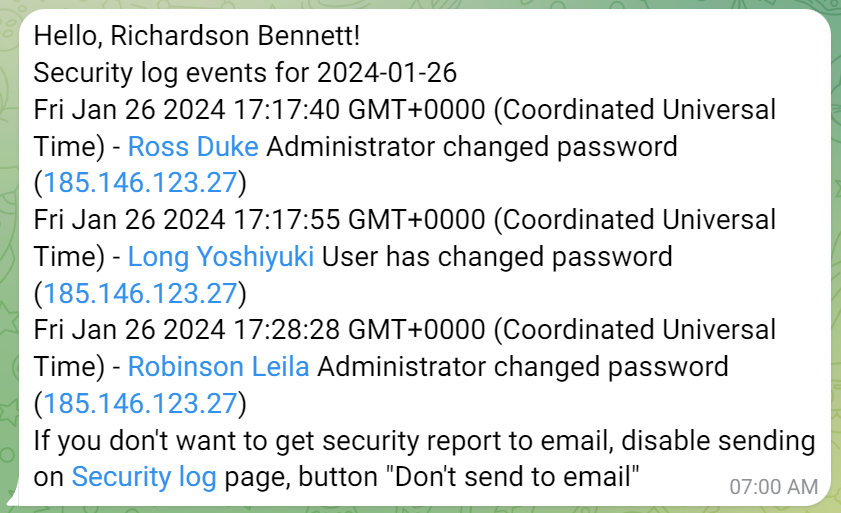
Notification to system administrators with security log data. The notification is sent if the Notify about changes by E-mail option is enabled in the Security log. Find more in Security log.
| E-mail |
Telegram / Viber / SMS / MS Teams / Slack |
 |
 |
| Variable |
Value |
| {{site.title}} |
The title of the portal in the notification header |
| {{user.fullname}} |
Fullname of the User to whom the message is sent |
| {{report.date}} |
The date for which the report is sent |
| {{.}} |
List of security log events |
| {{site.url}} |
Link to the educational portal |
Users - Activated users
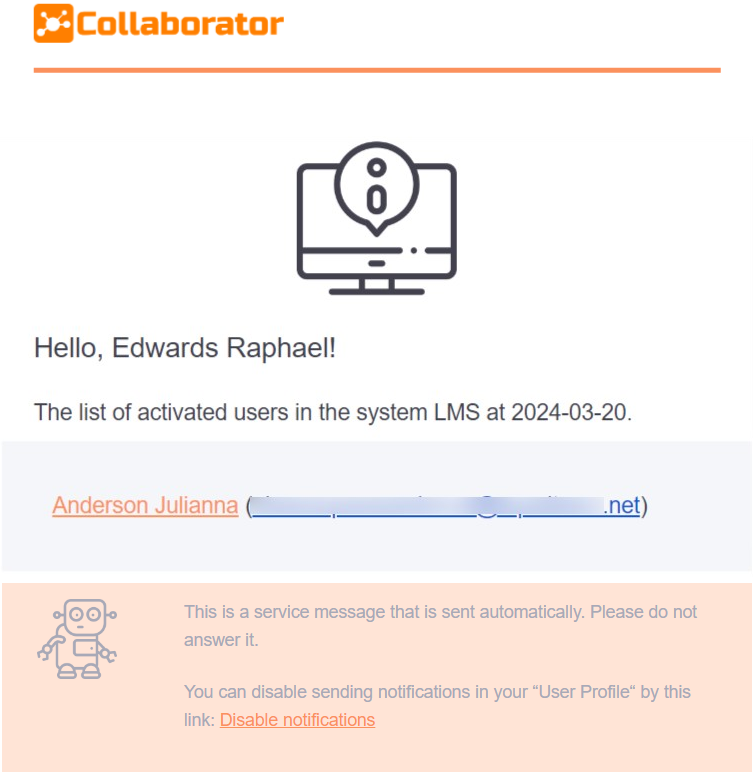
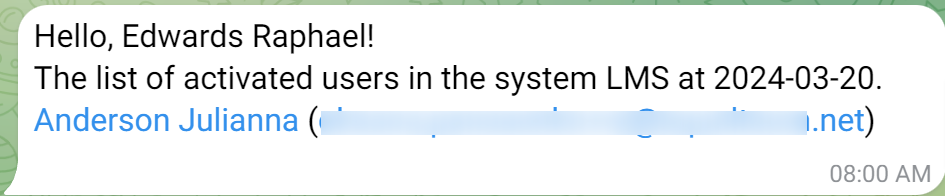
Notification to the administrator with a list of activated users in the system for the last day.
The notification is sent if it is an open portal and the Notify administrators about new user activation option is enabled in the portal settings (this setting is available to the portal Technical Support).
| E-mail |
Telegram / Viber / SMS / MS Teams / Slack |
 |
 |
| Variable |
Value |
| {{site.title}} |
The title of the portal in the notification header |
| {{user.fullname}} |
Fullname of the User to whom the message is sent |
| {{activate_users}} |
List of activated users in the system |
| {{date}} |
The date for which the list of users is sent |
